After Effects CC 2019+
Compatible with After Effects CC 2019 or later.


Animate characters without wasting time manually building structure, IK, and controllers.
Prepare the 15 layers, apply Prime Rig V2, and generate structure, IK, and controllers ready to animate.
Correctly name the character’s 15 layers and position the anchor points.
With one click, the plugin identifies the structure and creates the rig automatically.
Use the controllers and IK to move the character.
In this free lesson, Tiago Castro shows the plugin in action and explains how to organize the file before generating the rig.
Everything you need to start using the plugin with more speed.
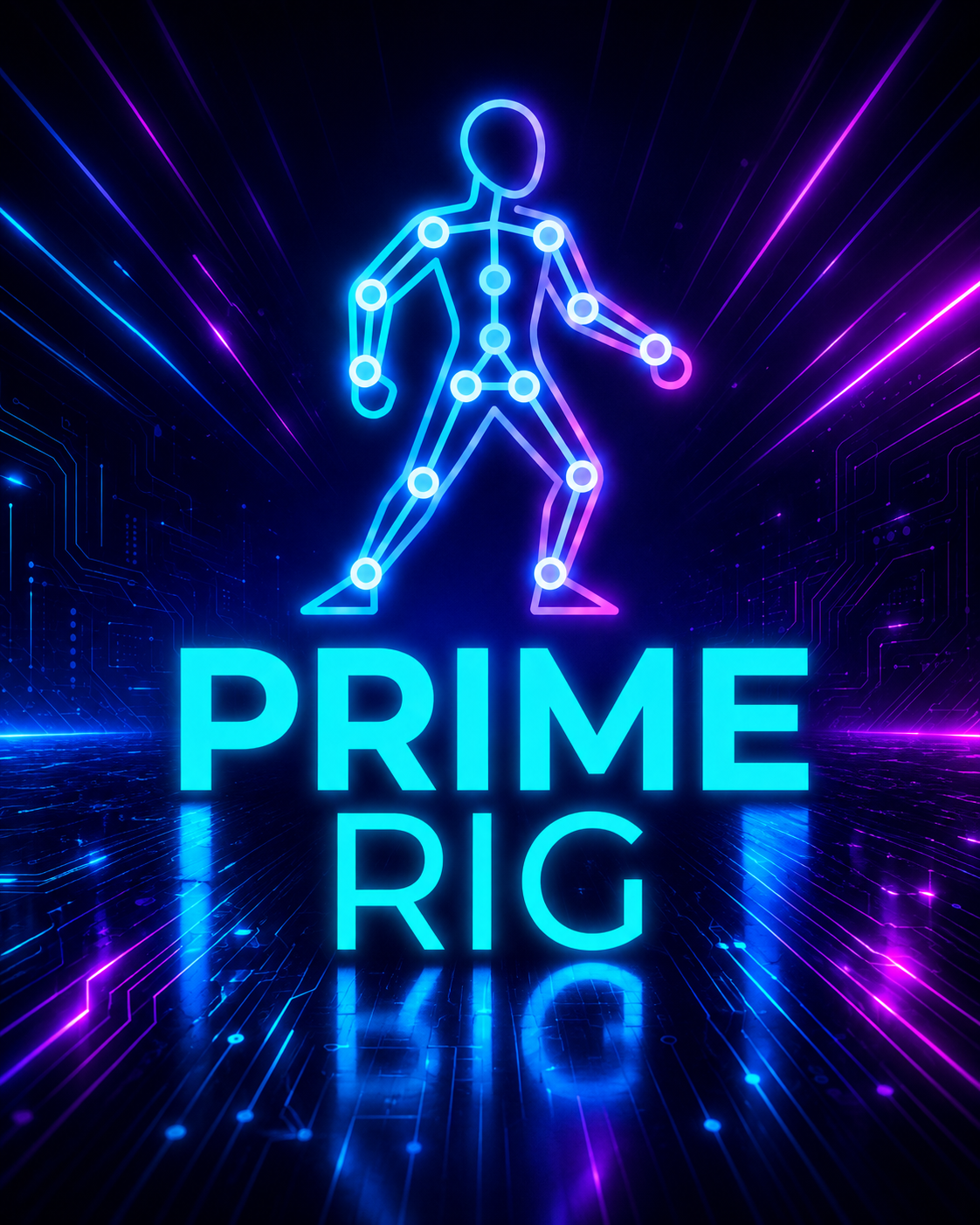
An auto-rigging plugin to build structure, IK, and controllers in After Effects with much more speed.
Secure purchase, authenticated environment.
Access instructions for the plugin are sent by email after purchase.
Broad compatibility, a multilingual interface, and a rig that keeps working even after the plugin steps out of the picture.
Compatible with After Effects CC 2019 or later.
Windows 10/11 and macOS, including Intel and Apple Silicon Macs.
Once created, the rig keeps working even without Prime Rig V2 installed.
🇧🇷 Português · 🇺🇸 English · 🇪🇸 Español · 🇯🇵 日本語 · 🇰🇷 한국어
No limit on computers. The .jsx file works locally, so you can install Prime Rig V2 on your devices.
No. With the character properly prepared, generating the rig just takes one click.
No. The expressions and controls live in the project’s layers. Once created, the rig keeps working even on a computer without Prime Rig V2 installed.
Yes. Prime Rig V2 works with characters that use the plugin’s required 15-layer structure, as long as they’re correctly named and prepared.
No. Each major version of Prime Rig is purchased separately. Your purchase guarantees lifetime access to the version you bought, but doesn’t automatically include future versions released later on.
Prime Rig V2 doesn’t include individual support for character setup, rigging, using After Effects, or project follow-up. Usage questions are covered by the tutorial and the included materials. In case of a technical failure that keeps the plugin from working correctly as shown, our support team can look into the issue.
Yes. You have a 7-day guarantee. Within that period, you can request a 100% refund.
The page includes a free tutorial showing the Prime Rig workflow. The access materials also include the plugin usage tutorial.
In case of a technical failure with the plugin, contact our support team: (15) 99789-7210.


