

Move beyond scattered tutorials and learn to build motion projects with more technique, clarity, and polish.
A hands-on program in After Effects, based on professional processes and organized to help you grow from the fundamentals to your final project.
If this sounds like you,
Motion Master was made for this.
You already use After Effects, but don’t know how to apply it
You know the program, but get stuck turning an idea into a real animation.
Every tutorial teaches one isolated technique
Without a complete method, learning stays fragmented and progress doesn’t show.
Your movements still look amateur
You’re missing mastery of timing, rhythm, and the principles that bring animation to life.
You still don’t have pieces that show the level you want to reach
Even while studying and practicing, you still feel like you’re missing a more complete project to show what you can do.
Just starting out with no portfolio or clients yet? Don’t worry. Motion Master gives you the full foundation from scratch before helping you build more complete projects.
12 modules, from the fundamentals to your final project
36 recorded lessons with real progression: fundamentals, principles, applied projects, and a final project.
01Introduction to After Effects
Installation, interface, workspace, scripts and plugins, file import, and initial project setup.
Result: your workspace ready to animate, with no technical bottlenecks.
02The 12 Principles of Animation
The 12 principles created by Disney’s Frank Thomas and Ollie Johnston, the foundation of any fluid, impactful animation.
Result: the difference between a movement that works and one that impresses.
03Animating the ESPN logo
Shapes, timing, the animation graph and curve, lettering, adjustment layers, and the Posterize Time effect, applied to animating an existing logo.
Result: your first logo animation with professional technique.
04Animating the Google logo
Morphing, timing, the animation curve, Trim Paths, and matte application, on an existing logo.
Result: smoother transitions and fine control over movement.
05Logo with a glowing outline
Using the Saber plugin to animate a logo with neon lighting.
Result: a light effect ready for your portfolio.
06Braza Hops Project
Advanced animation with cameras, 3D objects, Posterize, the Parallax technique, transitions, external plugins, and blend modes.
Result: your first advanced-level composition piece.
07Retail project: Shell Box
How to work on retail projects with speed, including format adaptation.
Result: faster delivery without losing quality.
08Character animation
File preparation, character animation, and building a rig — the bone structure that lets you move the character — plus a head rig, using the Duik plugin. Module featuring a special appearance by Iago Maciel.
Result: your first character animation with its own movement structure.
09ESPN and LeBron James
Advanced animation with cameras, the animation curve, match cuts, blend modes, and scene composition.
Result: you develop a piece based on a TV production, applying composition, camera work, timing, and transitions.
10ESPN and Sadia
Lettering, cameras, 3D objects, Parallax, transitions, external plugins, and creative scene composition.
Result: another piece based on professional production, ready for your portfolio.
11Rendering and export
Rendering settings, export formats, and project optimization for backup.
Result: correct delivery, with no quality loss in the final file.
12Final course project
A challenging project that applies everything you’ve learned, to become a portfolio piece.
Result: a complete piece, built from scratch, that represents the level you developed throughout the program.
See what our students have already created
A glimpse of the projects made by Motion Master School students.
Projects created by Motion Master School students
A selection of work created by students in different contexts, applying the techniques and knowledge learned throughout the program.
What our students say
Real experiences from people who’ve been through Motion Master.
I joined the very first Motion Master class. I started from zero — I literally knew almost nothing about After Effects. Tiago was always very available, attentive to feedback, and super dedicated to helping students.

Motion Master contributed to my growth in motion design. The course is well-structured, with direct content that’s extremely useful for technical and creative improvement. Today, I feel even more confident and prepared.

Tiago’s teaching style is very clear, engaging, and makes learning much easier. Each lesson is well-structured, making even the most complex concepts easy to understand.

The course was an incredible experience! The content is well-structured, Tiago Castro’s teaching style is excellent, and the WhatsApp support is very helpful. I recommend it for anyone who wants to go deeper into the field, especially beginners.

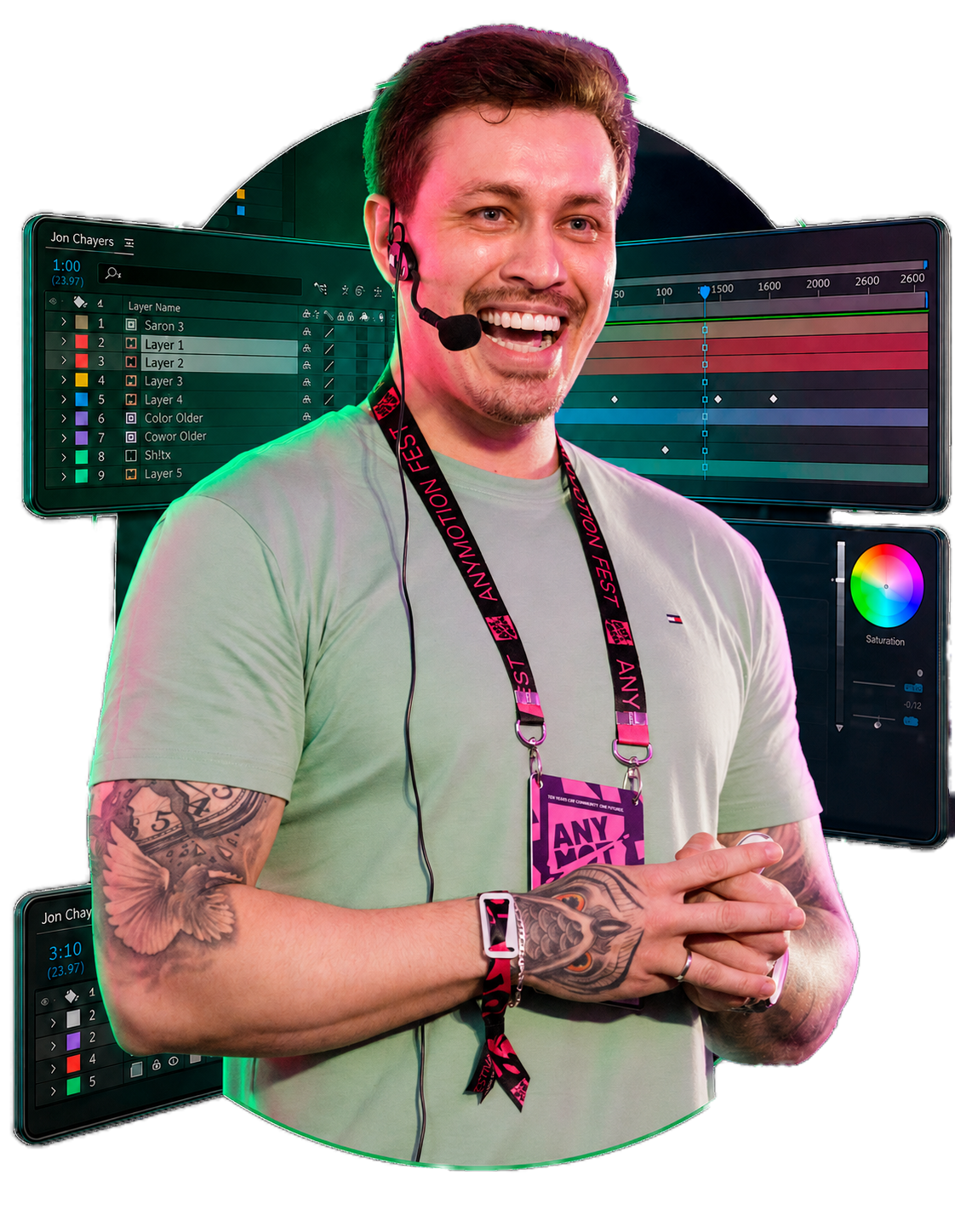
Learn from someone who’s lived motion design for 14 years
I’m Tiago Castro, animation director and motion designer. Throughout my career, I’ve worked on projects for brands like Disney, ESPN, Google, and Adobe, and collaborated on an award-winning piece at Cannes Lions.
In Motion Master, I share techniques and processes from my own professional experience, organized in a practical sequence to help you think through, build, and finish your animations.
Choose Motion Master to
learn motion design.
Combo Master is for those who want to learn motion design
as well as character rigging and animation.
Motion Master
Motion design from the fundamentals to your final project in After Effects. The complete program you’re looking at on this page.
- → 12 modules, 36 recorded lessons
- → Real-world projects as your practice base
- → Certificate of completion
Combo Master
Motion design and character rigging together, in the school’s most complete program.
- → +50 hours of hands-on training
- → Projects based on real-world applications for your portfolio
- → Access to both complete courses
- → Individual certificate for each course
- → Bonus: access to AE Master Kit
Frequently
Asked Questions
Does the course include a certificate?
Yes. After completing at least 90% of the program, you can request your certificate through the platform.
I’ve never used After Effects. Can I keep up?
Yes. The course starts with installation and the program’s interface, with no prior experience required — just the will to learn.
What will I learn in Motion Master?
From basic concepts to advanced After Effects techniques, using real-world projects as your study base: logo animation, character animation, retail projects, and pieces based on TV campaigns, all the way to your final project.
Is two years of access enough?
Yes. It’s more than enough time to watch, practice, and review at your own pace. The course isn’t lifetime access — access is 2 years, counted from the date of purchase.
What are my prospects after finishing the course?
Everything you create during the course can go into your portfolio, helping you show your work to studios, brands, and clients in advertising, film, TV, games, and social media.
Can I pay in installments?
Yes. Installment options appear directly at checkout.
If you need help, contact our support team: (15) 99789-7210.


