

Stop struggling with keyframes and start animating characters with more control and fluidity.
Learn to build professional rigs in After Effects and turn stiff characters into more fluid, natural, and expressive animations.
What is a rig, in practice?
A rig is like a skeleton with controls built inside the character. It lets you move arms, legs, the face, and other parts without having to animate everything by hand, frame by frame.
With a well-structured rig, you gain more control, speed, and freedom to create more natural movement in After Effects.
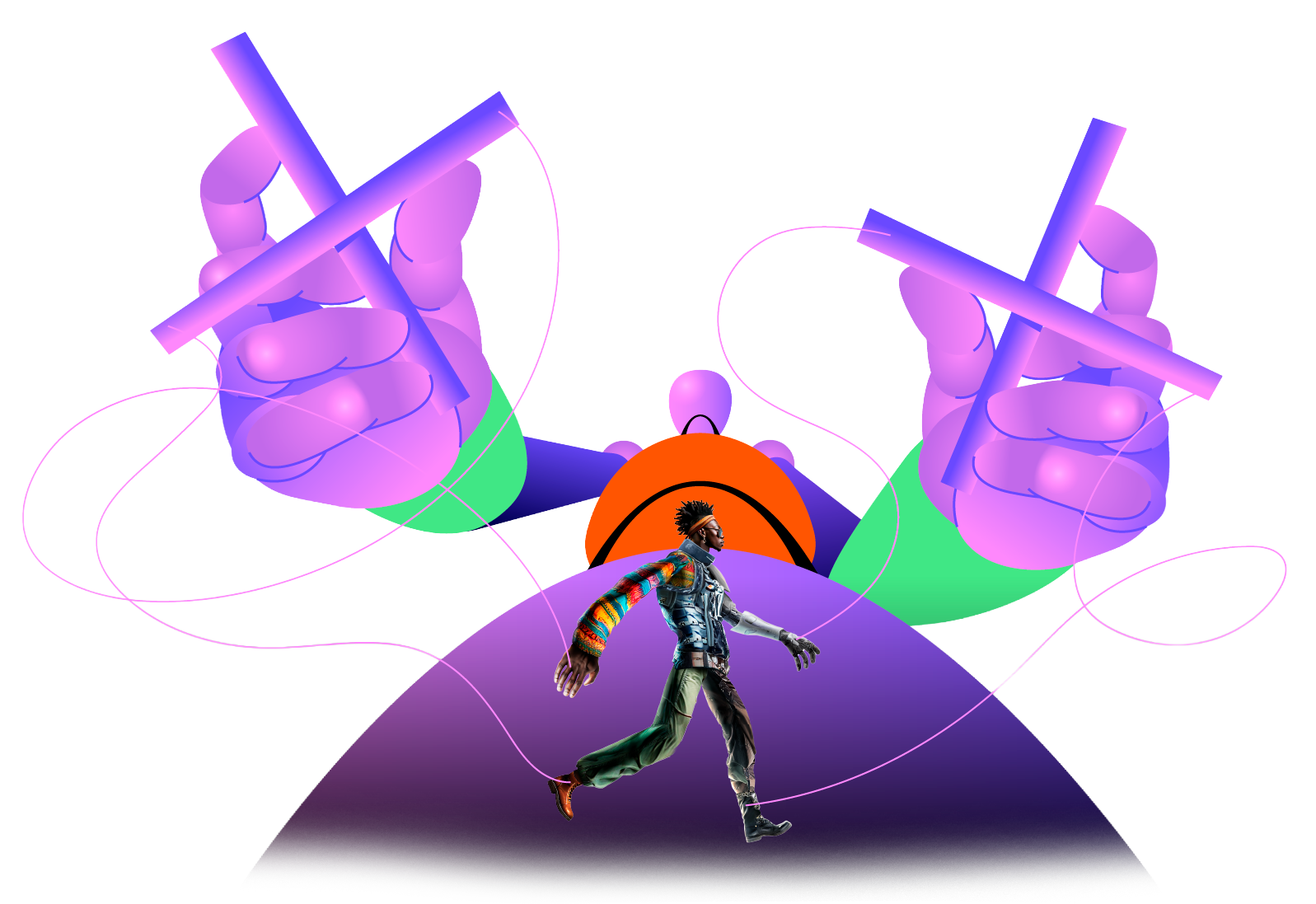
Without a rig × With a rig
The difference isn’t just technique.
It’s the time and control you gain throughout the animation.
Without a rig
- Hours spent adjusting keyframe by keyframe
- Stiff, unnatural movement
- Lots of rework for every small tweak
- Hard to edit once it’s finished
With a rig
- More control and speed
- Quick adjustments to animations
- Organized workflow from start to finish
- Easy to reuse and adapt
11 modules, from the fundamentals to your final project
36 recorded lessons with real progression: intro to rigging, Duik Angela, head rigs, animals, Bao Bones, lip sync, and a final project.
01Welcome and introduction to character rigging
What a rig is, basic anatomy, setting up your After Effects environment, and preparing the character in Illustrator or Photoshop.
Result: your character and your environment ready to start rigging.
02Hands-on lessons with Duik Angela
Structural rigging, puppet pins, collage-character rigging, a complete hand rig, and articulated character rigs.
Result: hands-on mastery of After Effects’ main rigging plugin.
03Basic and advanced head rigging
Simple and advanced facial expressions, syncing with the body, mesh warp, liquify, and head rigging with real photos.
Result: characters with natural, controllable facial expressions.
04Animal rigging with Duik Angela
Rig structuring for long necks and quadrupeds, focused on body expression and fluid movement.
Result: animal rigs that move naturally.
05Hands-on lessons with Bao Bones
Plugin installation and setup, a comparison with Duik Angela, and structural rigging for collage and textured characters.
Result: one more tool in your rigging workflow.
06Advanced rigging with Duik Angela and Bao Bones
Combining both plugins to rig a character with a stylized digital-painting aesthetic.
Result: more sophisticated rigs combining the best of both tools.
073 lip sync techniques
Manual sync with mouth swaps, automated lip sync with scripts, and precise control with Joysticks n’ Sliders.
Result: three different ways to sync speech and mouth movement.
08The character rigging market
How rigs are used in commercial animation, games, and advertising, plus how to price your services.
Result: more clarity on how this knowledge is applied in the industry.
09Final course project
Planning your final project: choosing your character and defining the rig’s style and complexity.
Result: a complete final project for your portfolio.
10Bonus module: character animation
The 12 principles of animation, walk cycles, and character animation in different styles, with guest instructors.
Result: your rigs coming to life with real animation principles.
11Bonus module: extras
Object rigging, a 360°-rotating guitar rig, hair rigging, and rig refinement with a digital-painting aesthetic.
Result: extra tools to expand the reach of your rigs.
Real accounts from people who joined the rigging workshop
Rig Master is new. The methodology behind it has already been tested in practice.
Before the full course launched, part of the method was presented in a rigging workshop. The accounts in the video show how this structure helped participants better understand the process and develop characters with more control and organization.
Real feedback from people who joined the workshop that gave rise to the course.
The course features lessons from
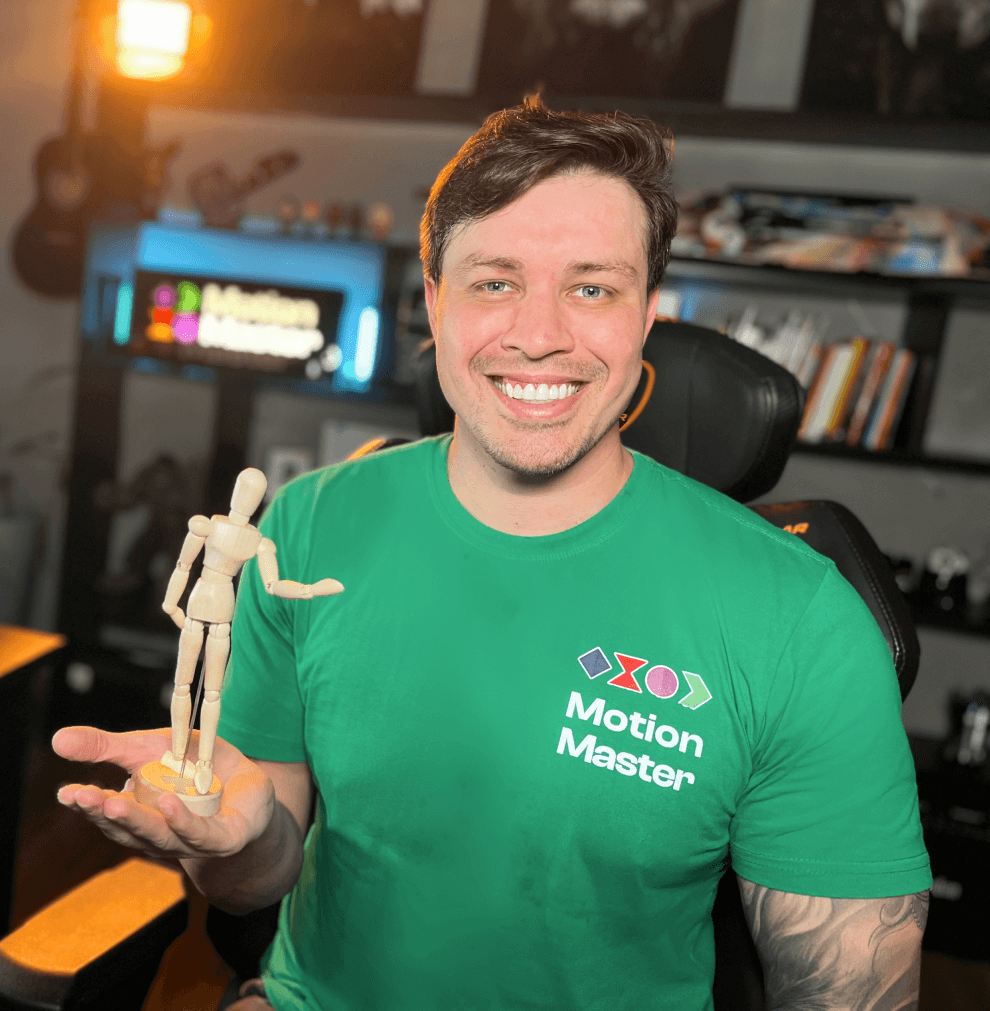
Tiago Castro
@tcastro.motion
Iago Maciel
@iagomotion
Rafael Kassner
@kassnerafa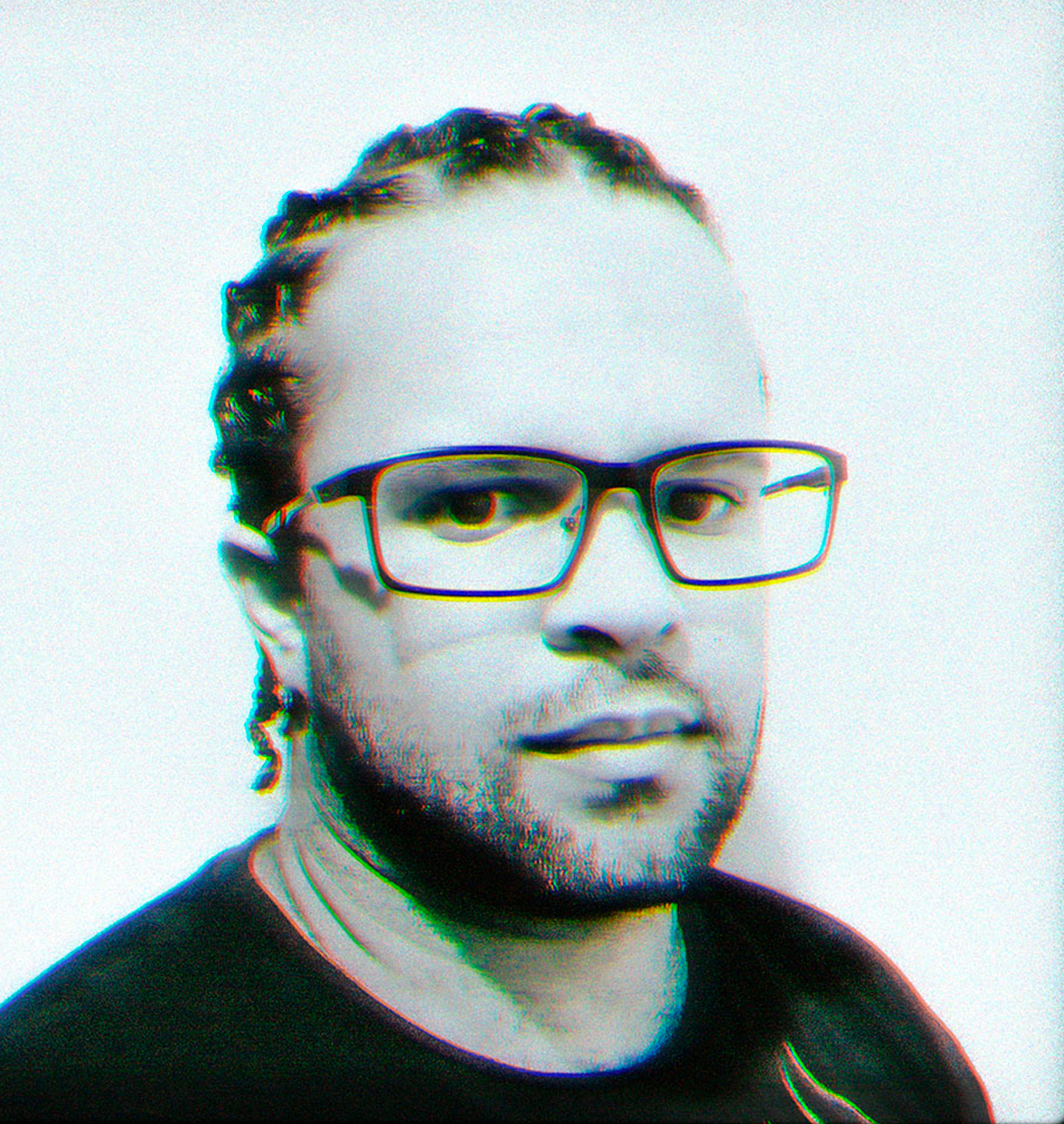
Tiago Patrício
@tiagopatriciomotionChoose Rig Master to
learn character rigging.
Combo Master is for those who want to learn character rigging
as well as motion design.
Rig Master
Character rigging from basic to advanced in After Effects. The complete program you’re looking at on this page.
- → 11 modules, 36 recorded lessons
- → Ready-made characters to practice with and speed up your learning
- → Certificate of completion
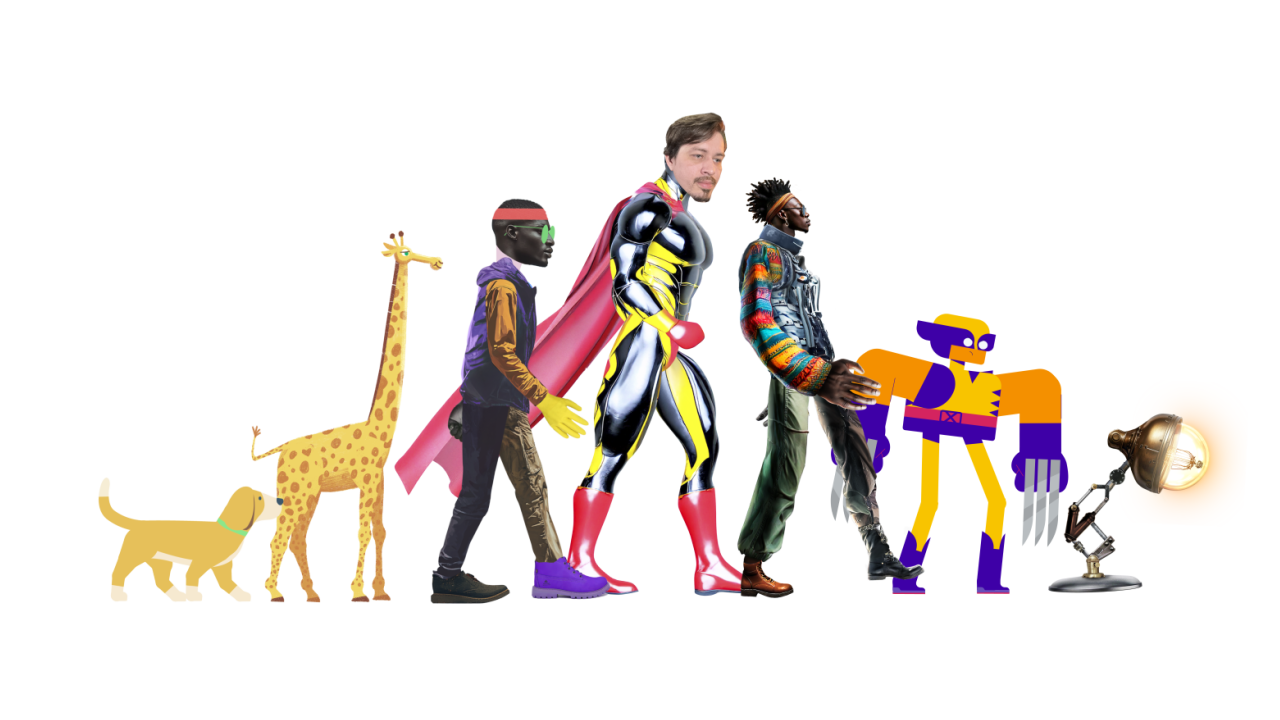
Combo Master
Motion design and character rigging together, in the school’s most complete program.
- → +50 hours of hands-on training
- → Projects based on real-world applications for your portfolio
- → Access to both complete courses
- → Individual certificate for each course
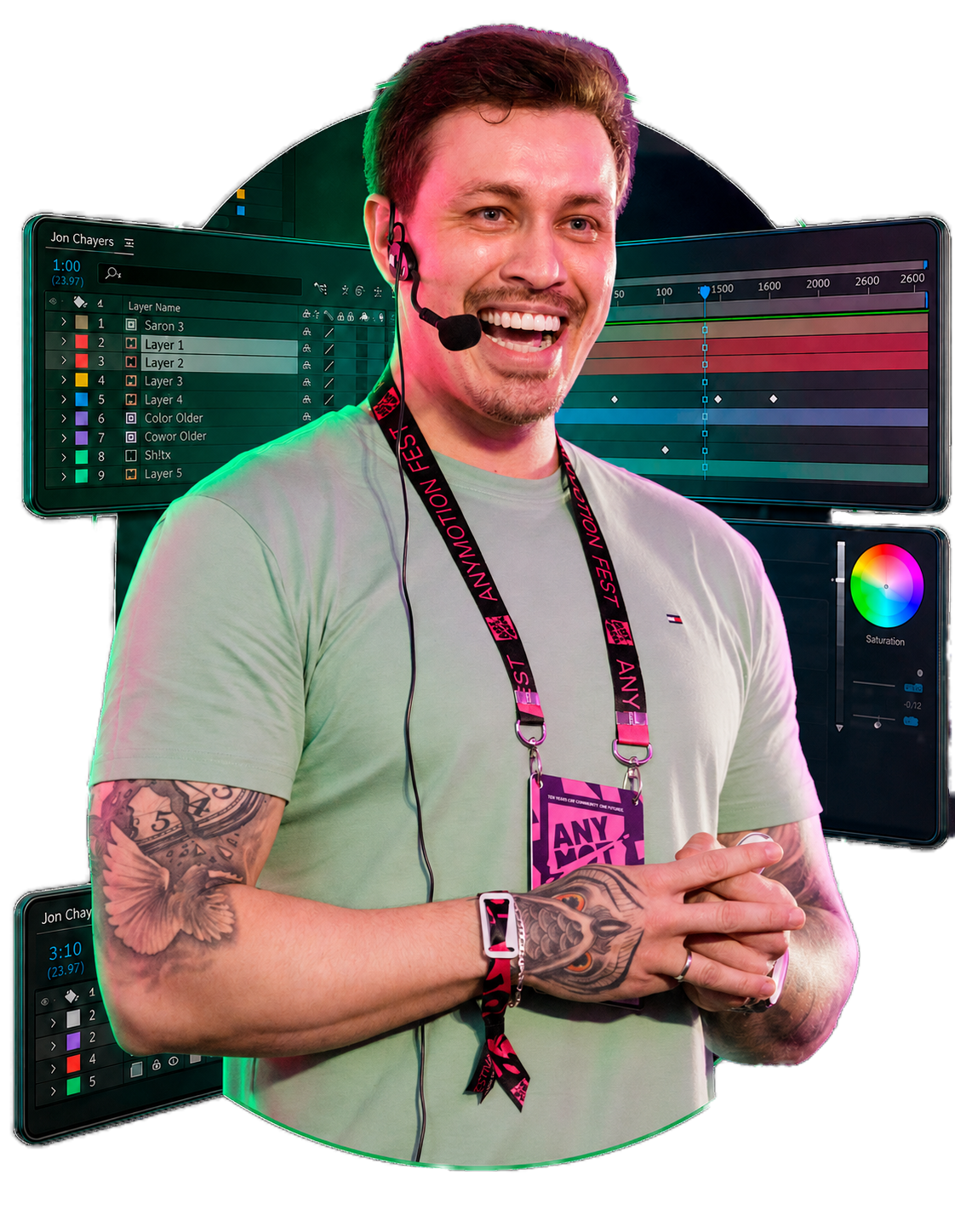
Learn from an animation director specialized in character rigging with 14 years of industry experience
I’m Tiago Castro, animation director, motion designer, and character rigging specialist in After Effects. Over 14 years in the industry, I’ve applied rigging and character animation techniques to hundreds of projects for advertising, digital content, television, and games.
I’ve applied rigging and animation techniques to projects related to Riot Games’ Valorant and League of Legends, as well as productions for brands like Disney, ESPN, Google, and Adobe. I’ve also collaborated on an award-winning project at Cannes Lions.
In Rig Master, I’ve organized the processes I use to structure characters, build controllers, and develop movement with more control, fluidity, and speed. The goal is to help you understand the reasoning behind rigging, move past guesswork, and build characters that are truly ready to animate.
Frequently
Asked Questions
Do I need to know how to animate to take this course?
No. You’ll learn to build character rigs and control animations more practically, even if you don’t yet master animation techniques.
Is this course only for people who already use After Effects?
Yes. Rig Master focuses on character rigging inside After Effects, so it’s important to already know the basics of the software.
How long does it take to finish the course?
The course is at your own pace. You can finish it in a few weeks or take it slower, depending on how much time you have.
Is two years of access enough?
Yes. It’s more than enough time to watch, practice, and review at your own pace. Access is 2 years for the individual courses and 3 years for Combo Master, counted from the date of purchase.
Is there support?
Yes. We offer support for technical questions related to access, the platform, and using the course materials. Support does not include exercise corrections or personalized mentoring.
How does the certificate work?
You’ll be able to request your digital certificate after completing 90% of the course lessons.
How does the 7-day guarantee work?
You have 7 days after your purchase to access the lessons and decide if Rig Master is right for you. If it’s not, just request a refund within that period.
If you need help, contact our support team: (15) 99789-7210.


