

Free After Effects Course
In 8 lessons, The Motion Foundation will take you from your first movement to a final project, covering rhythm, typography, shapes, composition, and rendering in After Effects.
 Lesson 01
An introduction to understanding the logic of Motion Design and starting to build a solid foundation.
No material needed Lesson 02
See how to set up your environment and install After Effects to follow the next lessons.
Adobe link in Materials Lesson 03
Get familiar with the software’s layout and the workspaces you’ll use to work with more clarity.
No material needed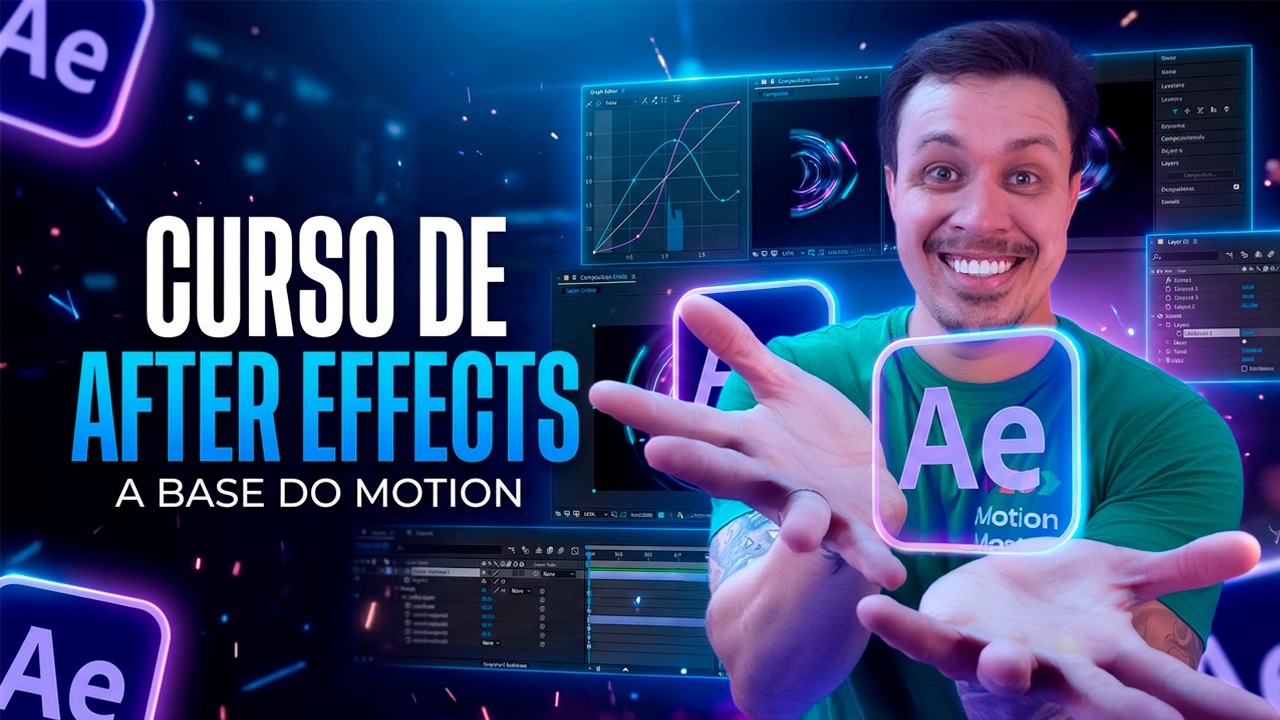 Lesson 04
Start putting elements into motion and understand how animation is built in practice.
Uses the project material Lesson 05
Move the scene forward by working on visual rhythm, entrances, exits, transitions, and typographic elements.
Uses the same project material Lesson 06
Use shapes to enrich the visuals and build movement with more intention and polish.
Uses the same project material Lesson 07
Bring the previous steps together and organize the elements to reach the exercise’s final composition.
Uses the same project material Lesson 08
Wrap up the journey by setting up your output settings and exporting the finished work.
Final stage of the projectYou don’t need to download a different file for each lesson. The practical lessons all use the same project material.
I’ve kept everything in one place here to keep the page cleaner.
Motion design and character rigging together, in the school’s most complete program.
Learn motion design in After Effects through a hands-on sequence, from the fundamentals to applying them in complete projects.
Learn to build rig structures and controls to animate characters with more organization, movement, and speed in After Effects.


