

AE Master Kit is the organization and workflow standard used by the industry’s biggest studios: from chaos to control, for just R$67.
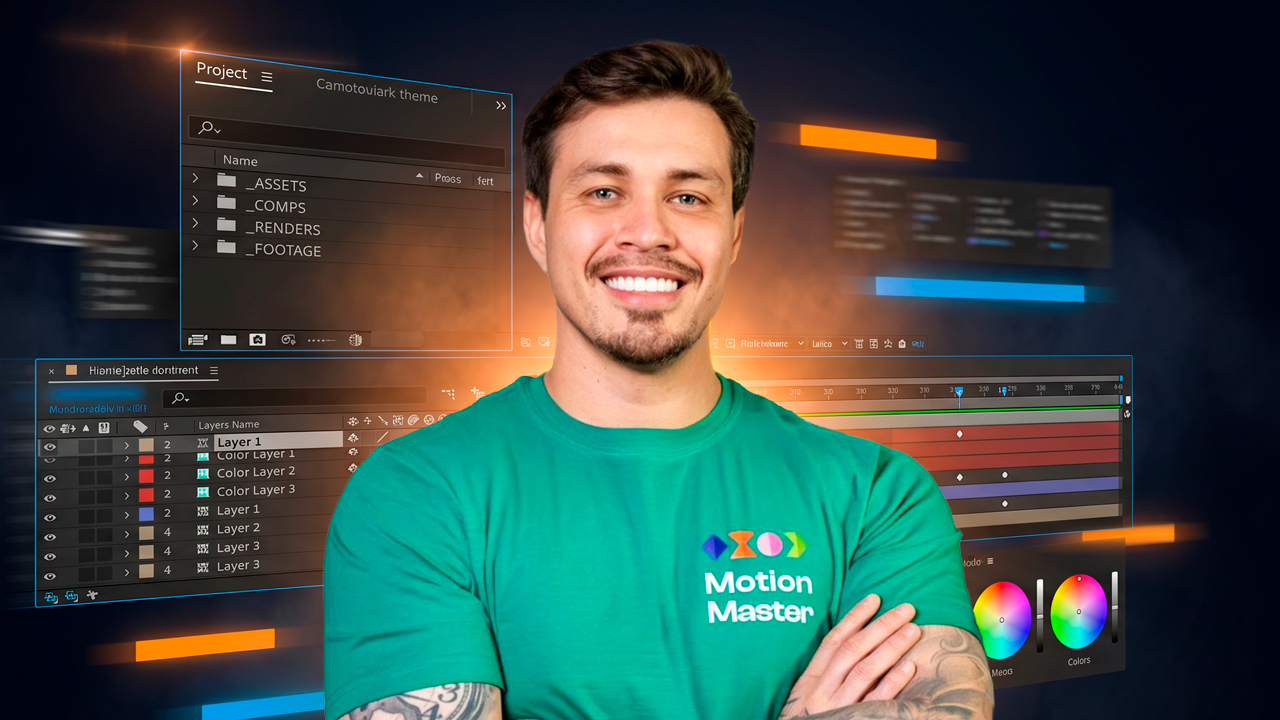
The organization and workflow used by professionals at the industry’s biggest studios, right inside your After Effects.
You don’t have to work in chaos
Unnamed layers, folders with no logic, the main comp buried somewhere. You created the project and already have no idea where anything is.
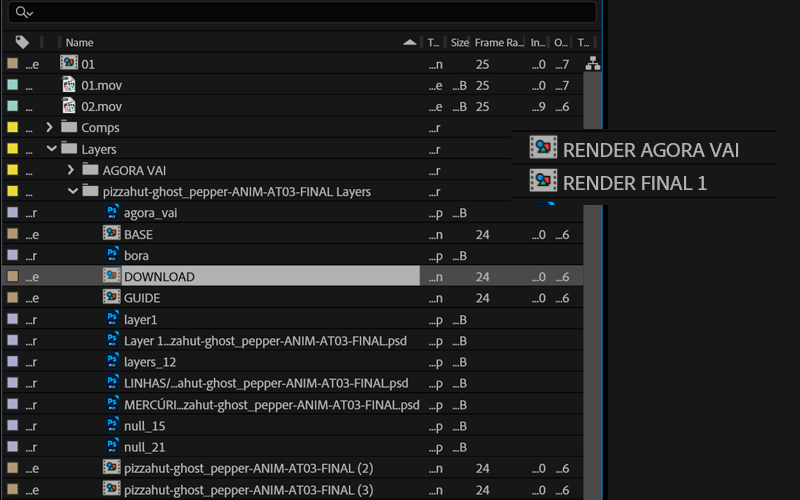
You send it to the studio or a colleague and half the assets are missing. Fonts, footage, linked files — everything vanished along the way.
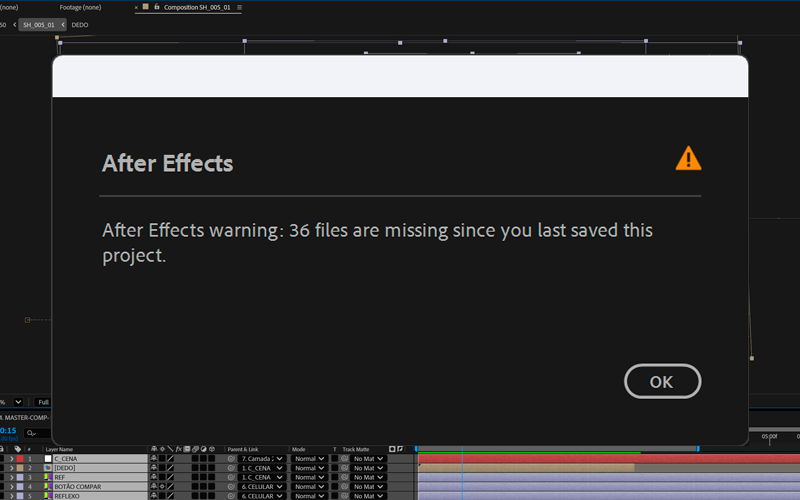
When AE loses the link to a file, it replaces it with colored bars called placeholders. You open the project and have no idea what each one was or how to fix it quickly.
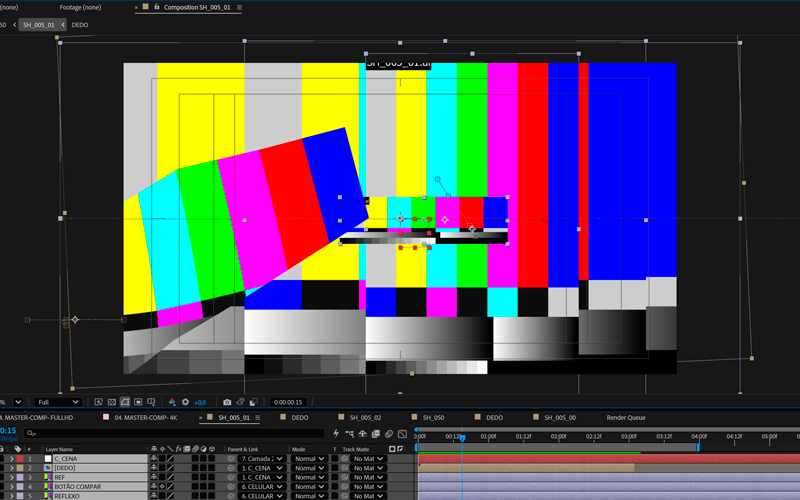
You know it exists. You created it. But now you can’t find it anywhere. That time adds up, and by the end of the month you’ve lost hours in unnecessary searching.
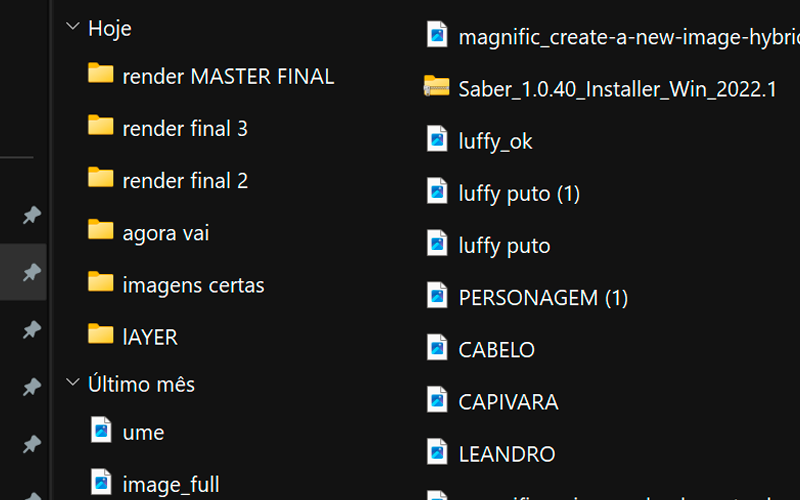
Each item solves a different layer of the problem. Together, they cover everything from a brand-new project to final delivery for the client or studio.
The exact same project skeleton professional studios use to deliver campaigns for global brands. Open it, rename it, and start with a professional structure from the very first frame.
Ready-to-use .aep fileOrganization starts before you even open AE. Download the zip, extract it, and you’ll have the exact folder hierarchy studios use: assets, footage, audio, renders, exports, docs.
Ready-to-use .zip fileTiago opens a messy project live and turns it into something organized, smooth, and ready to deliver. Includes organizing with the template, doing a proper Collect for sending files, and fixing broken placeholders.
Recorded lesson“What studios usually check before hiring a freelancer” — the checklist nobody publishes: portfolio, showreel, outreach, the international market, day rates, meeting etiquette, and technical organization.
The kit’s most valuable bonusThe 10 free plugins Tiago actually uses every day, with a direct download link for each one. A personal curation, not some generic list of everything out there.
Straight-to-the-point PDFAE performance setting tips, with the exact path to each one (screenshot included). Best practices to help keep your project lighter throughout the process.
Straight-to-the-point PDFSee if AE Master Kit fits where you’re at right now.
Beginner in After Effects
who wants to start with a professional structure from day one.
Intermediate user losing time
already uses AE but knows they could be more efficient.
Freelancer delivering to clients
who needs the project to arrive intact on the other end.
Anyone who wants to break into studios
and needs to know what they usually check before hiring.
Anyone working on a team
on projects other people need to open and understand.
Anyone who wants a showreel that actually works
but doesn’t know how to structure it to really attract clients.
Anyone who wants to position themselves better
to land new clients, in Brazil or abroad.
Anyone who wants a studio-level workflow
because organization speaks before you do.
Motion designer, creative director, and founder of Motion Master School. With 14 years in the industry, I’ve collaborated with some of the biggest studios in Brazil and around the world. The template and folder structure in this kit are based exactly on the workflow I used on those projects.
Tiago Castro, founder of Motion Master School, has worked on projects for:










Real students, real results.
“Since I took the course with Tiago, the organization of my projects has improved night and day. I started using folders, smart pre-comps, colors to separate layer groups, and renaming everything from the start. I gained a lot more speed, and clients started approving my projects much faster.”
“Receiving messy projects is what steals the most time. I lose hours organizing instead of just creating the animation. Watching the way Tiago worked, I realized it made everything much faster and easier to find. Today I only use his system.”

“Receiving other people’s projects with no organization standard used to eat up a lot of time just to understand the structure. The main thing I learned from Tiago was that organization is part of the animation process.”

“I’ve worked with a lot of disorganized projects: offline files, random folders, no naming. I learned a lot from Tiago about how essential organization is: it makes the process easier and helps with final delivery and the speed at which you complete the project.”
“I’ve dealt with messy projects many times: layers, files, and compositions all a mess, and I’d end up wasting a ton of time. Today I can find everything quickly, work more calmly, and deliver projects much faster.”

Exclusive post-purchase bonus
Your access to AE Master Kit is immediate after purchase. Afterward, you’ll receive a quick survey by email, taking less than 5 minutes. By answering it, you’ll unlock the exclusive lesson "Your First Impactful Animation" with Tiago Castro, for free.
AE Master Kit gives you the workflow. Motion Master teaches you how to create the animations: techniques, real brand projects, and 3D cameras, from zero to advanced.
Immediate access · 7-day guarantee
For R$67 you get everything you need to transform your workflow in After Effects.
6 items: a ready-to-use professional .aep template, an external folder structure in zip format, a recorded lesson (organization, Collect, and placeholders), the Studio Checklist (“What studios usually check before hiring a freelancer”), the Essential Plugins Guide, and the Performance Settings Guide.
The template and lesson were created in the current version of After Effects, but the workflow concepts work in any version. The folder structure is software-independent.
Both. Beginners learn to work correctly from day one without picking up bad habits. Intermediate users recognize the mistakes they’re making and understand how to fix them immediately.
Right after confirming your purchase, you’ll receive a quick survey about your profile and goals in motion design. Once you answer it, the bonus lesson is automatically unlocked in your member area. The survey takes about 5 minutes.
AE Master Kit teaches you how to use After Effects efficiently (organization, workflow, Collect, placeholders) and how to position yourself professionally (portfolio, showreel, day rates, client outreach). Motion Master teaches you how to create with it: animation techniques, real brand projects, expressions, 3D cameras. They’re complementary, not competing.
Yes. A 7-day unconditional guarantee. If for any reason you’re not satisfied, we’ll refund 100% of the amount. No red tape, no questions asked.
If you need help, contact our support team: (15) 99789-7210.


