STRUCTURE
An organized character.
Prepare the parts, joints and hierarchy before you start animating.
Rig Master Course
Build your character's rig and controls in After Effects to adjust poses quickly and control every part of the movement.
 Unable to play the preview.
WHAT YOU WILL PRACTICE
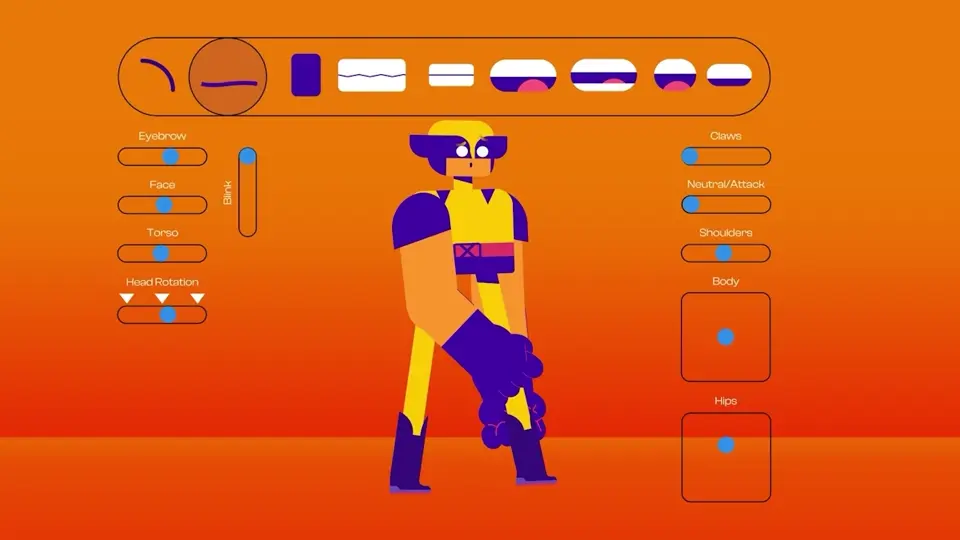
A rig is like a character's skeleton: a structure with controls to move its arms, legs and head. That is what you will learn to build here.
 Unable to play the preview.
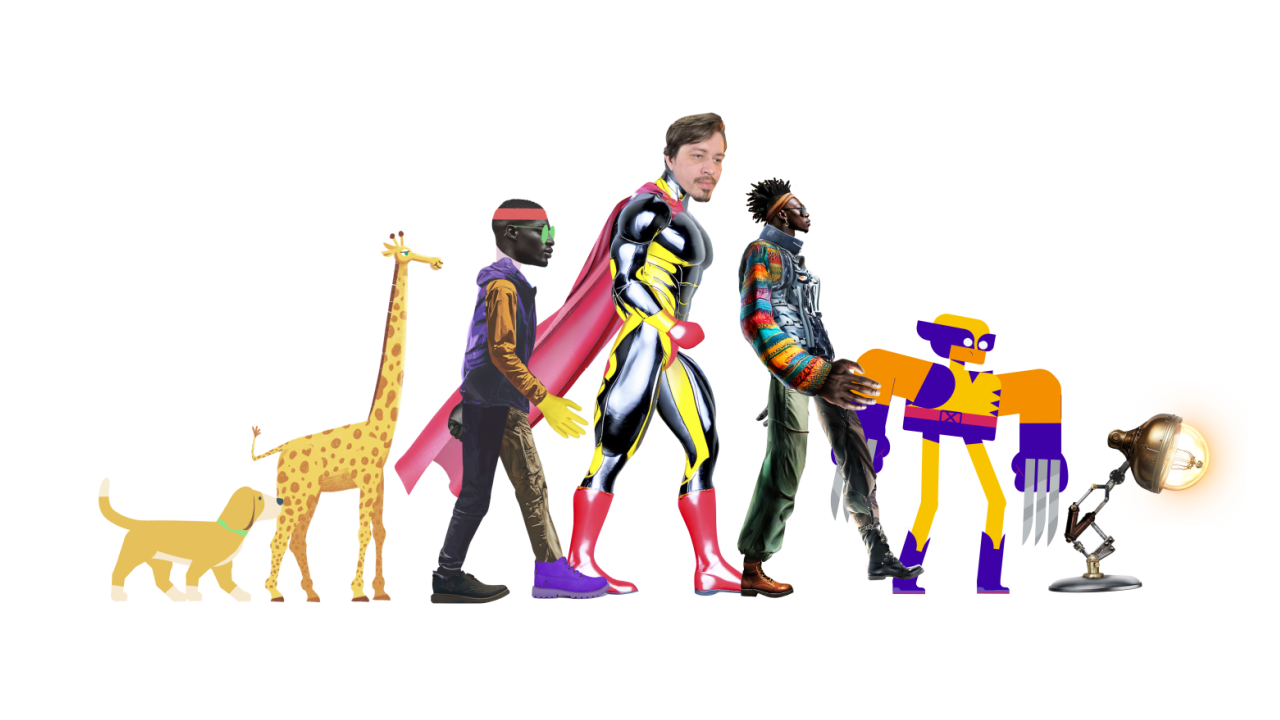
Prepare the parts, joints and hierarchy before you start animating.
Use controllers to pose your character and refine its movements.
Learn to build an organized rig with controls that are easy to find and adjust, so you can move your character.
HOW RIG MASTER BEGAN
Part of the Rig Master methodology was first introduced in a rigging workshop. Hear from the people who took part.

INSIDE THE COURSE
See what you will learn in each module to build rigs and bring your characters into motion.
11 modules · Explore the course
Unable to play the preview.MODULE 01 / 11
What rigging is, basic anatomy, setting up After Effects, and preparing the character in Illustrator or Photoshop.
MODULE 02 / 11
Structural rigging, Puppet Pins, collage character rigging, a complete hand rig, and rigs for articulated characters.
MODULE 03 / 11
Simple and advanced facial expressions, syncing with the body, Mesh Warp, Liquify and head rigs with real photos.
MODULE 04 / 11
Building rigs for long necks and quadrupeds, with a focus on body expression and fluid movement.
MODULE 05 / 11
Plugin installation and setup, comparison with Duik Angela, and structural rigs for collage and textured characters.
MODULE 06 / 11
Combine the two plugins to rig a character with a stylized digital painting look.
MODULE 07 / 11
Manual lip sync using mouth swaps, automated lip sync with scripts, and precise control with Joysticks n' Sliders.
MODULE 08 / 11
How rigs are used in commercial animation, games and advertising, plus pricing your services.
MODULE 09 / 11
Planning your final project: choosing a character and defining the style and complexity of the rig.
MODULE 10 / 11
The 12 principles of animation, walk cycles and character animation in different styles, with guest instructors.
MODULE 11 / 11
Object rigging, a guitar rig with 360° rotation, hair rigging and refining rigs with a digital painting look.
The main focus is rigging. Animation lessons are part of the extra content.
CHOOSE YOUR COURSE
Unable to play the preview.Turn illustrations into characters ready to animate. Learn to build complete rigs in After Effects.
7-day money-back guarantee · Access via Hotmart
 Unable to play the preview.
Motion Master + Rig Master. Learn motion design and character rigging in one bundle.
Save US$ 93 compared with buying the courses separately.
Get Combo Master7-day money-back guarantee · Access via Hotmart
Access after payment confirmation.
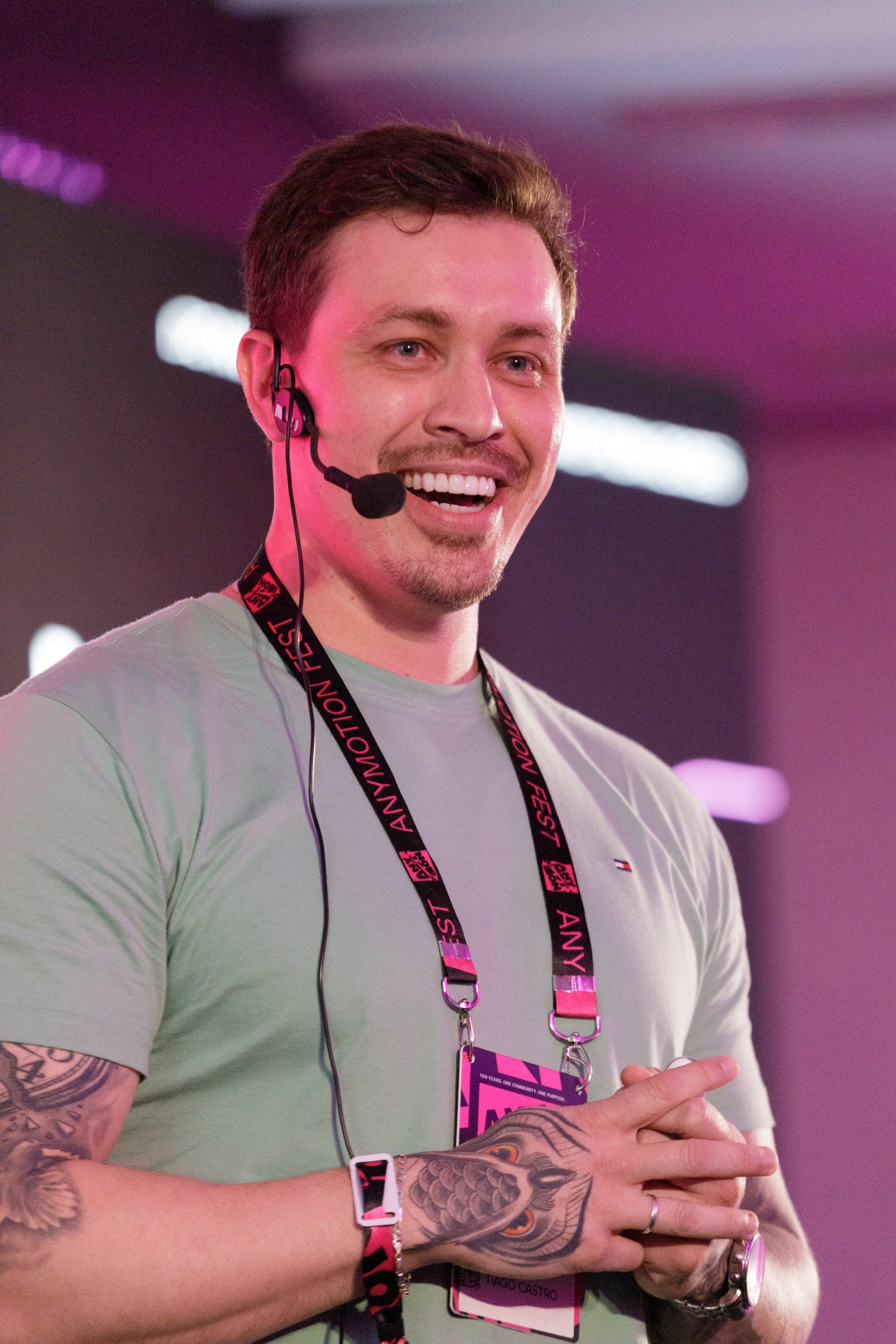
I live with ADHD and know the difference a clear explanation, broken into steps, can make. I explain each step and the reasons behind each choice, with examples on screen.
I have over 14 years of experience in motion design for advertising, TV, games, series and films. For the past three years, I have also created content for Adobe Brasil.
Tiago CastroFounder of Motion Master School
MORE INSTRUCTORS
The course also includes lessons from these guest instructors.
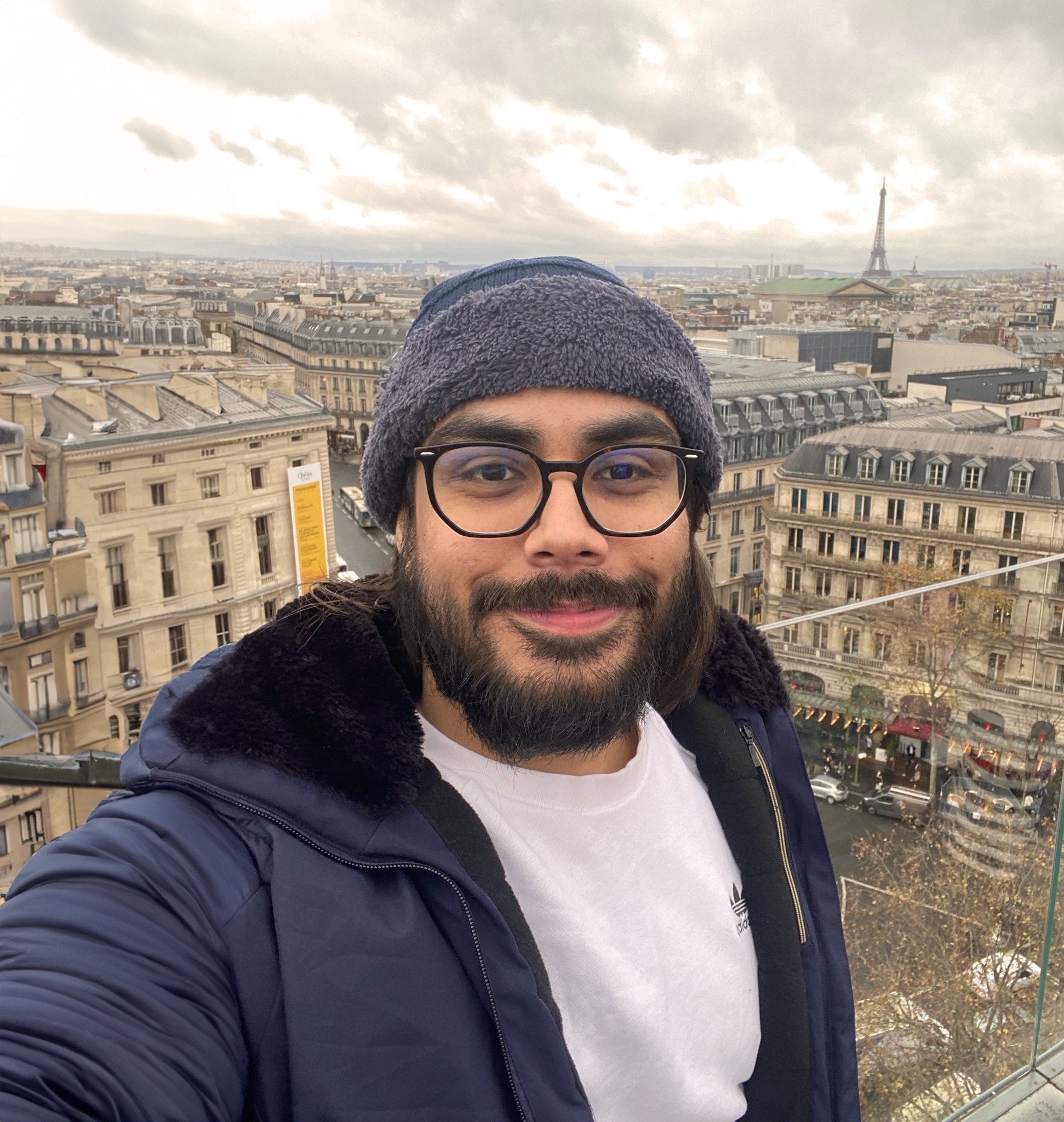
@iagomotion
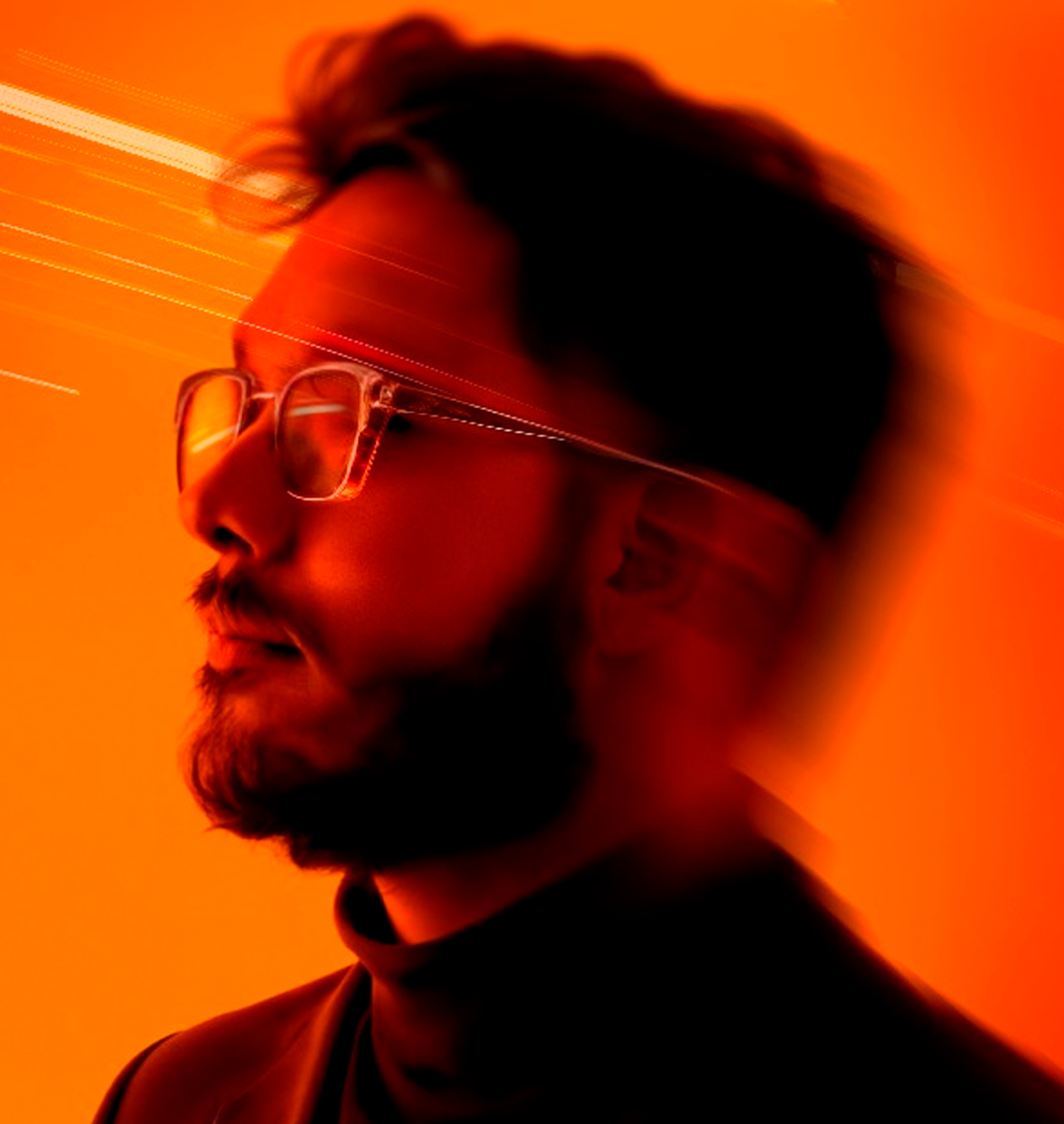
@kassnerafa
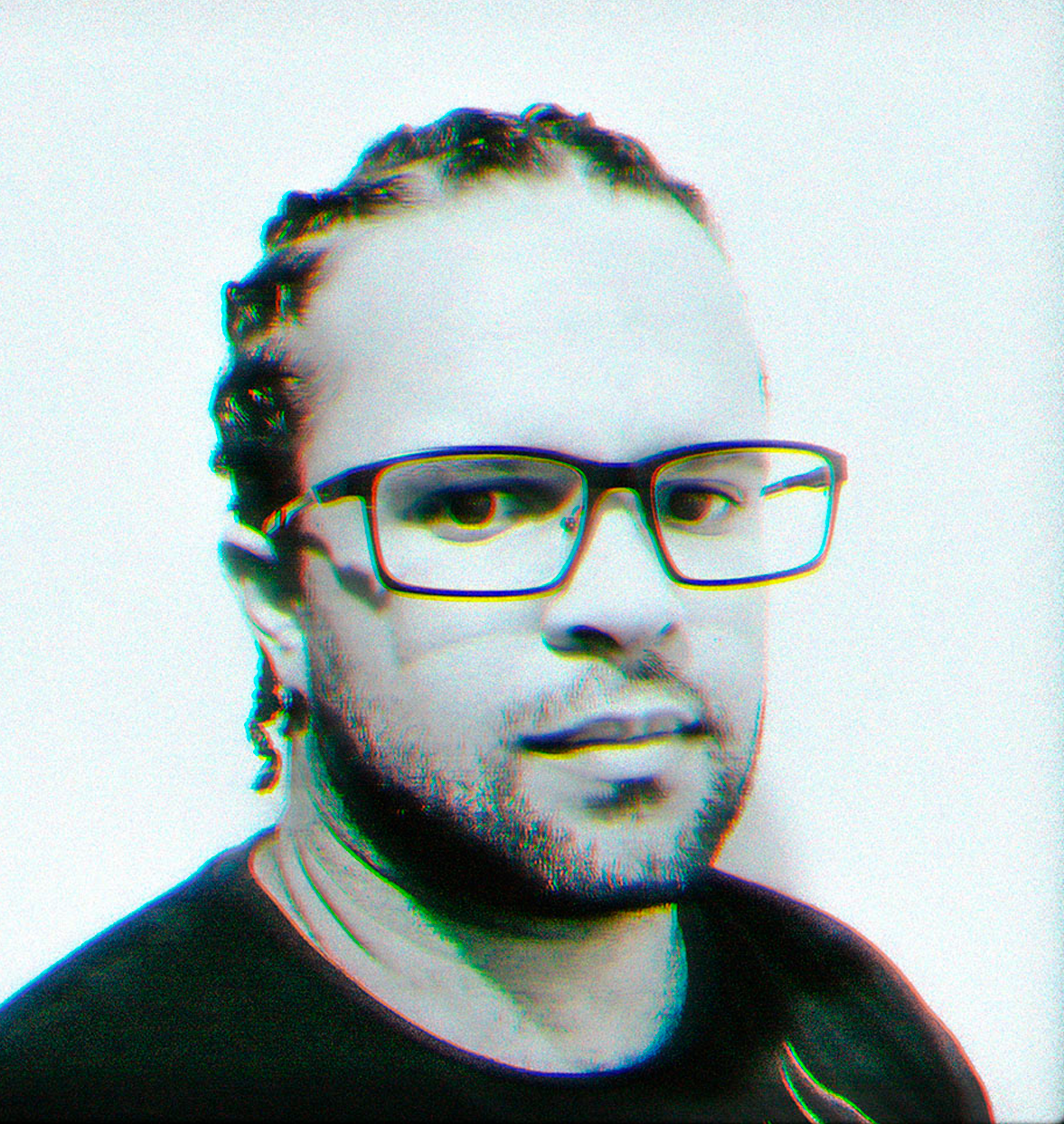
@tiagopatriciomotion
FAQ
Yes, you need the basics of After Effects, but you do not need to be an experienced animator to follow Rig Master. If you are new to the software, start with our free course A Base do Motion to get familiar with it.
Explore A Base do MotionThe focus is on building rigs and controls. The course also includes extra animation content, including principles and walk cycles.
After Effects and Photoshop. Check the modules to see which tools are used at each stage.
Yes. The lessons are recorded, so you can watch and revisit them during your purchased access period.
Your certificate is unlocked after you complete 90% of the course. In Combo Master, each course has its own certificate, unlocked after you complete 90% of that course.
Technical questions about access, the platform and materials. It does not include exercise reviews or personalized coaching.
The published offer includes a seven-day money-back guarantee. Refund terms and the process are available on Hotmart.