START FROM SCRATCH
After Effects is open. Now what?
Get to know the interface, organize your files and create your first compositions. Learn to work with layers, transforms and keyframes so you can start animating.
Motion Master Course
Learn After Effects from scratch and understand how to build your own animations. With step-by-step fundamentals and hands-on projects, you will gain the confidence to create without needing a tutorial for every idea.
Access the available lessons and receive new content as it is published, at no extra cost.
 Unable to play the preview.
FROM FUNDAMENTALS TO PRACTICE
From your first composition to more involved projects, understand the tools and decisions that shape an animation.
Get to know the interface, organize your files and create your first compositions. Learn to work with layers, transforms and keyframes so you can start animating.
Practice the fundamentals in projects and understand the reasoning behind each step so you can adapt the techniques to your own ideas.
Learn to assess rhythm, transitions and movement details so you can spot what needs adjusting before you finish.
STUDENT WORK
A selection of projects animated by Motion Master School students.

“Today, I feel even more confident and prepared.”
 Vagner@vagnerbaumstark
“Tiago's teaching is clear, engaging and makes learning much easier.”
 Marilia Oliveira@marimotion_design
INSIDE MOTION MASTER 2.0
Choose a module and discover what you will create.
MODULE 01 / 15 · Fundamentals
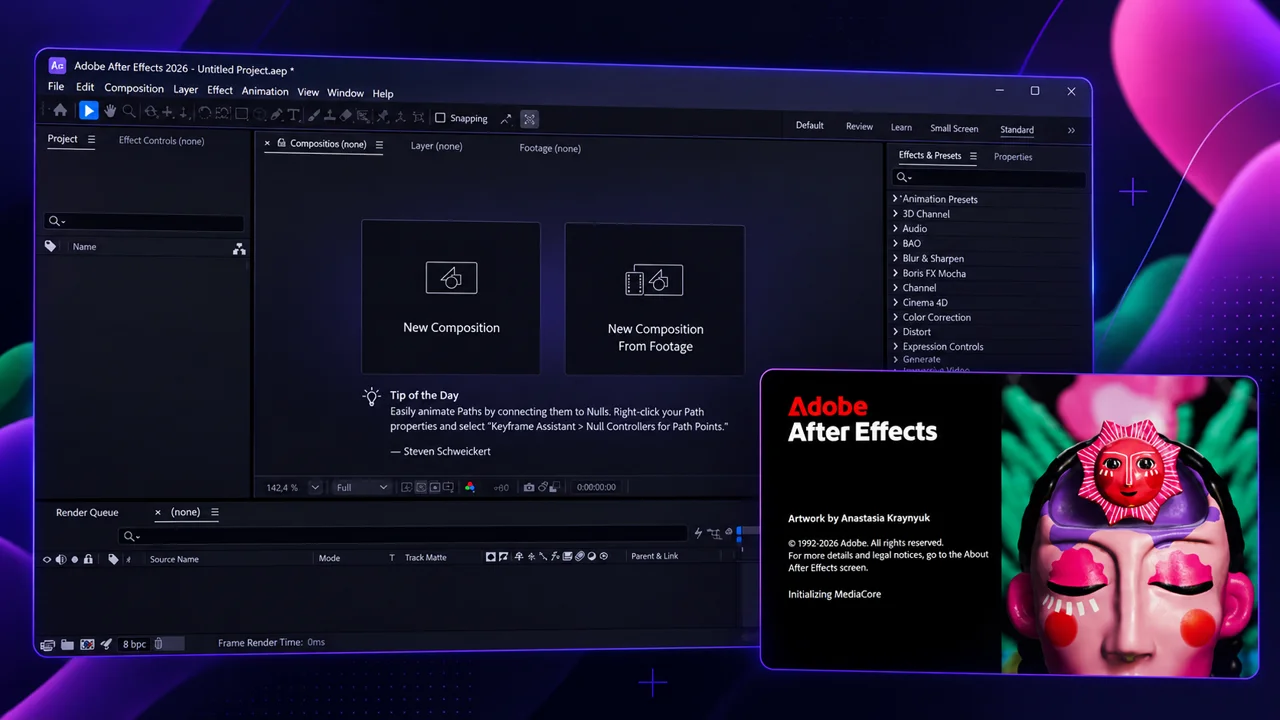
From your first keyframe to your first animation: learn After Effects through a basketball project, from organizing files to rendering.
MODULE 02 / 15 · Fundamentals
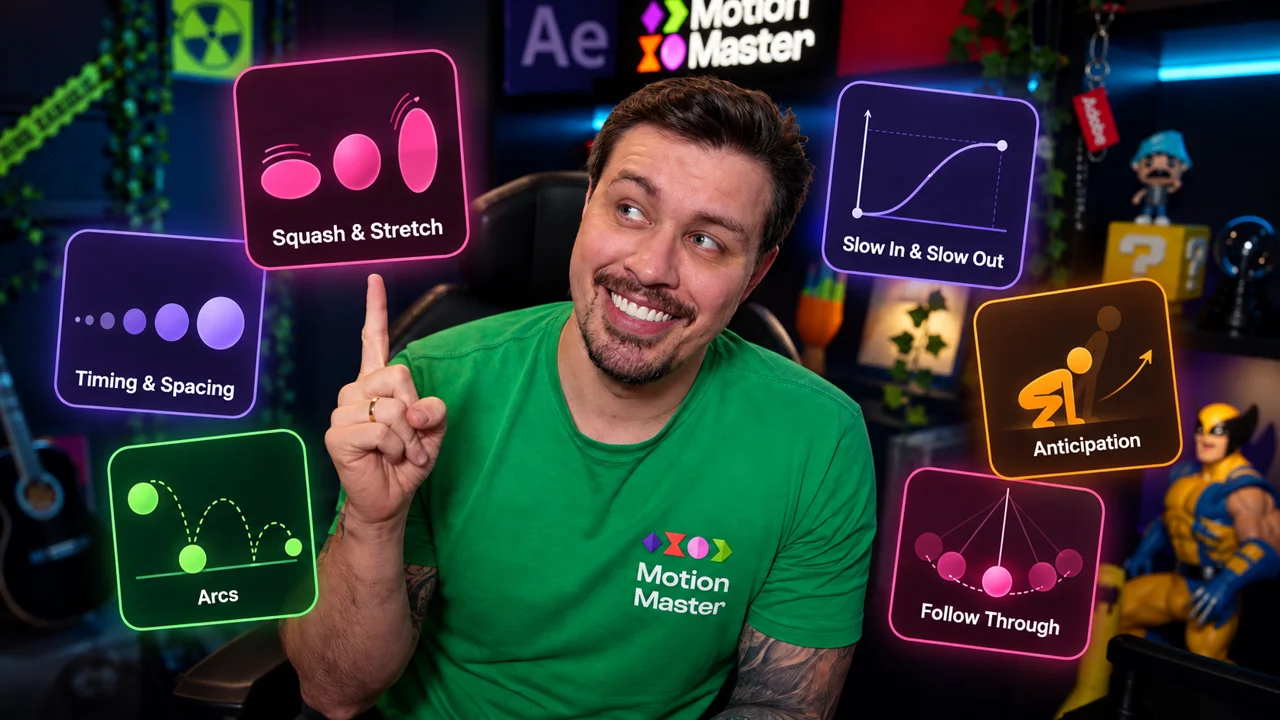
Explore the 12 principles compiled by Frank Thomas and Ollie Johnston in The Illusion of Life and how they bring movement to life.
 Unable to load. Tap Play to try again.
MODULE 03 / 15 · Fundamentals in Practice
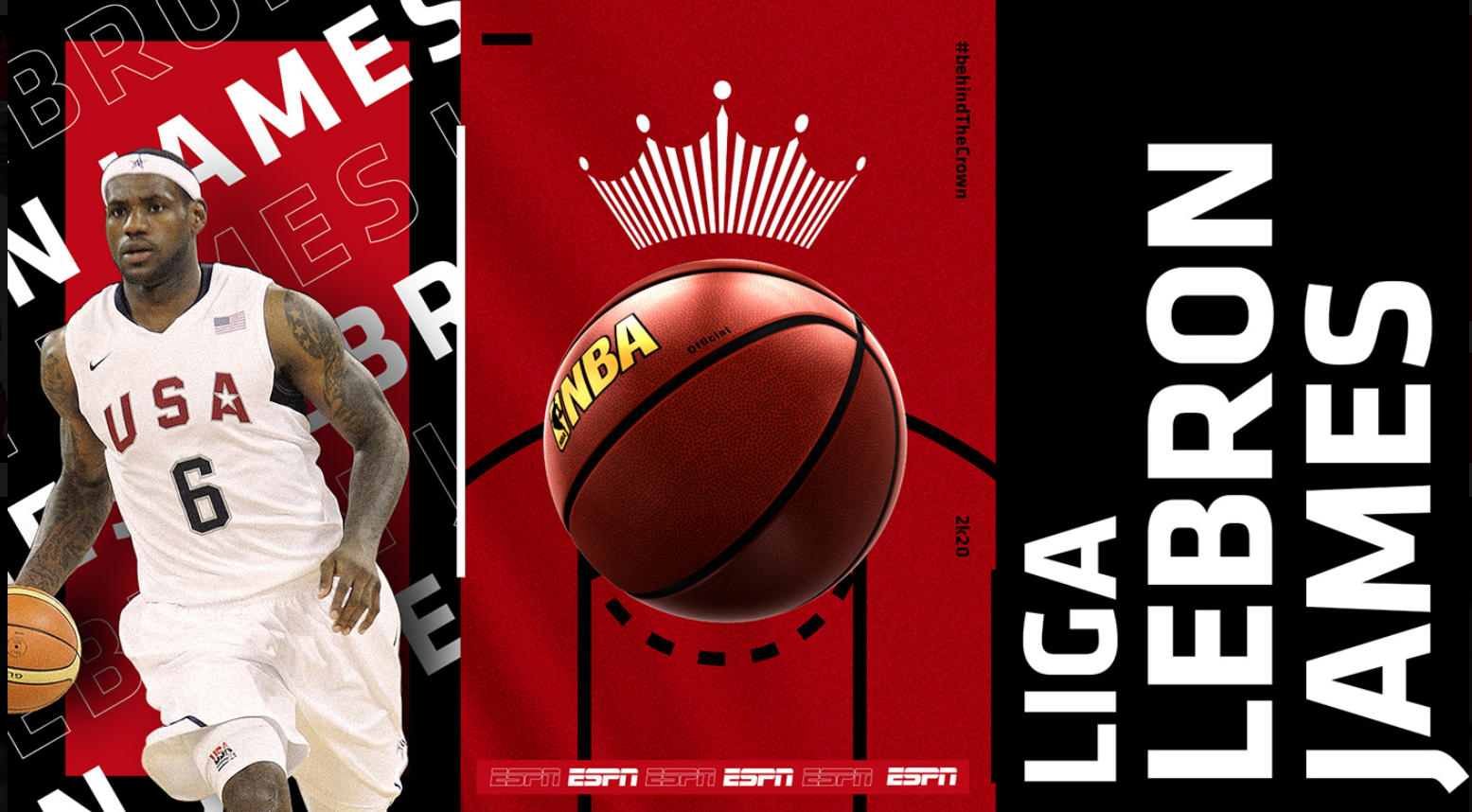
Give the ESPN logo rhythm and personality using Shape Layers, speed curves and the principles of animation.
 Unable to load. Tap Play to try again.
MODULE 04 / 15 · Fundamentals in Practice
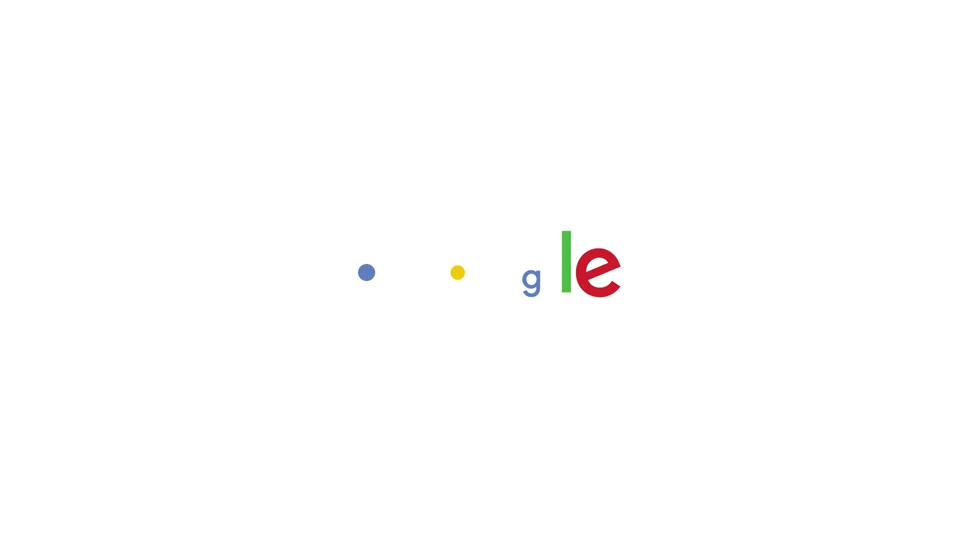
Transform shapes and connect movements in the Google logo animation, exploring morphing, Trim Paths, mattes and transitions.
 Unable to load. Tap Play to try again.
MODULE 05 / 15 · Fundamentals in Practice
Turn images into scenes with depth. Combine 3D layers and camera movements to create a parallax effect.
 Unable to load. Tap Play to try again.
MODULE 06 / 15 · Fundamentals in Practice
Combine composition, cameras and effects in the Braza Hops project and discover how different techniques work together in an animation.
 Unable to load. Tap Play to try again.
MODULE 07 / 15 · Motion Master Classics
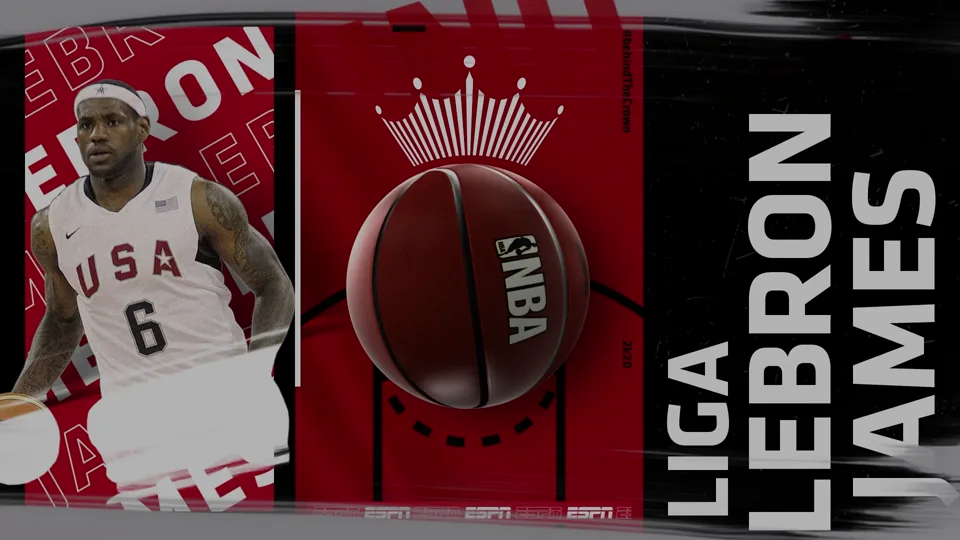
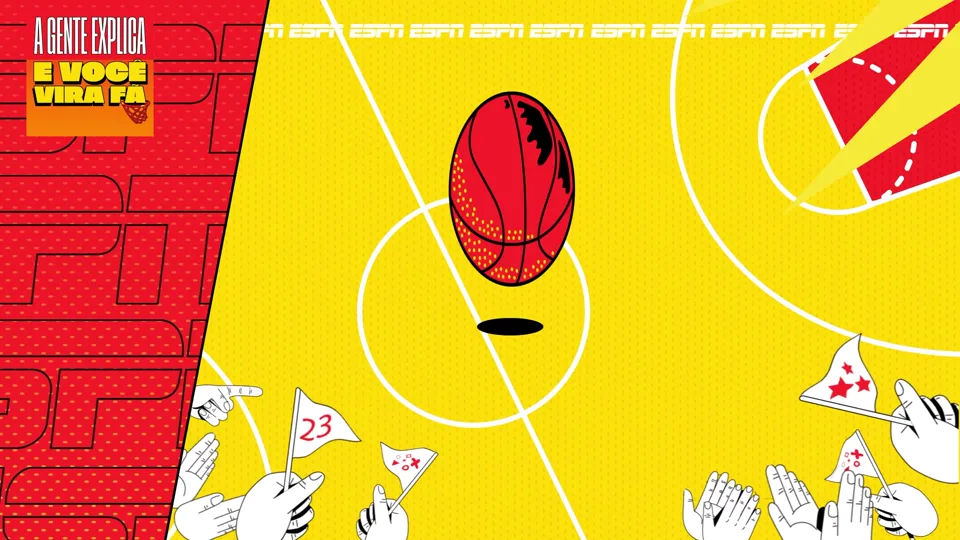
Create a sports animation featuring LeBron James, connecting scenes through match cuts, camera movements and composition.
 Unable to load. Tap Play to try again.
MODULE 08 / 15 · Motion Master Classics
Bring text and images to life in the Sadia: ESPN project, combining lettering, parallax and transitions that tie the composition together.
 Unable to load. Tap Play to try again.
MODULE 09 / 15 · Motion Design 2.0: AI Integration
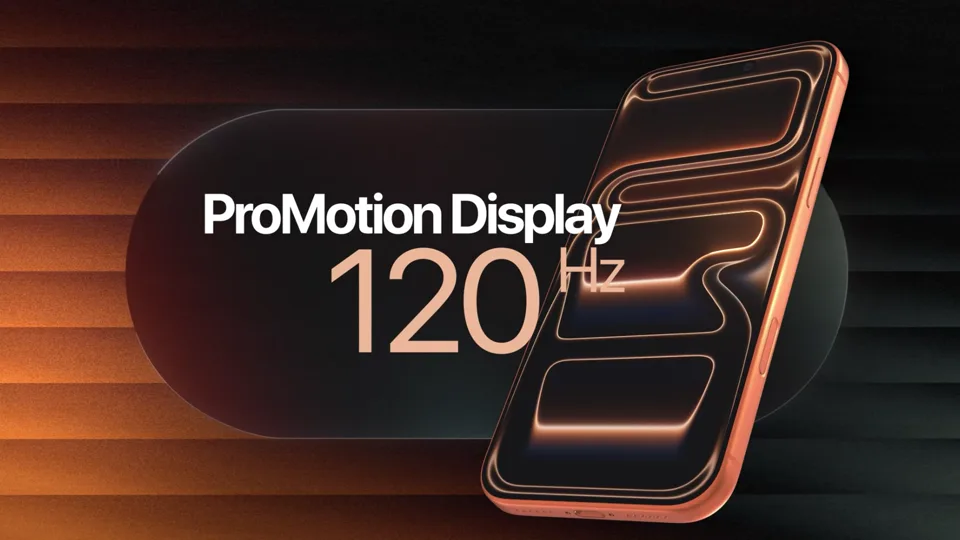
Put the iPhone Pro in the spotlight: combine AI-generated images and video with product composition and animation in After Effects.
 Unable to load. Tap Play to try again.
MODULE 10 / 15 · Motion Design 2.0: AI Integration
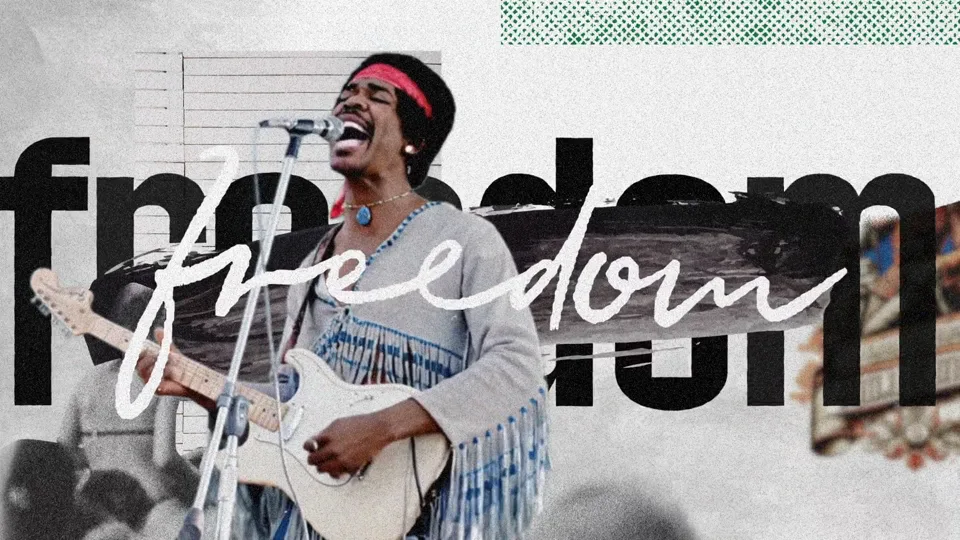
Turn images into scenes that help tell a story, combining image treatment, composition and animation in a documentary style.
Coming soon
Planned release: January 2027. These lessons are included with your purchase at no extra cost.
MODULE 11 / 15 · Motion Design 2.0: AI Integration
Explore the visual language of sports broadcasting and combine pacing, composition and visual identity in motion design projects.
Coming soon
Planned release: January 2027. These lessons are included with your purchase at no extra cost.
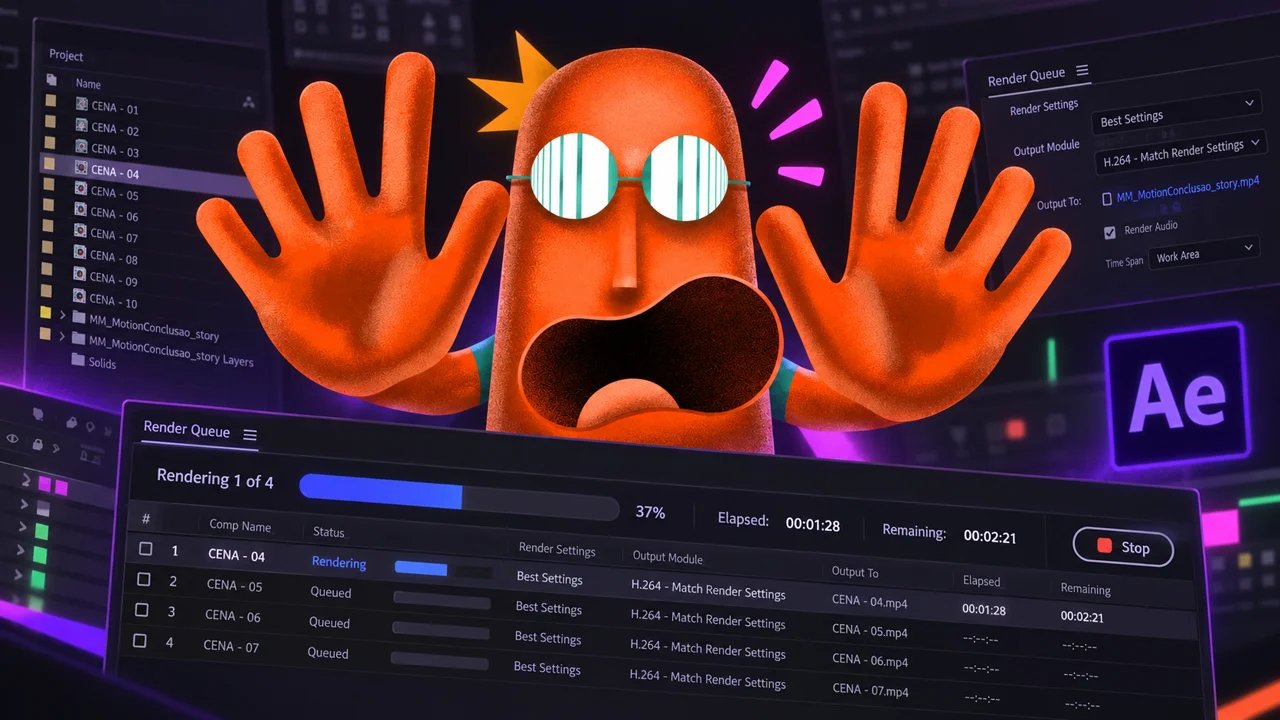
MODULE 12 / 15 · Motion Master Classics
Your animation is ready. What comes next? Learn to choose formats, codecs and transparency settings to export and prepare your deliverables.
MODULE 13 / 15 · Career and Visibility
Prepare your work for the market: organize your portfolio, define your positioning and explore client outreach, pricing and financial organization.
Coming soon
Planned release: January 2027. These lessons are included with your purchase at no extra cost.
MODULE 14 / 15 · Career and Visibility
Turn what you know into content. Develop ideas, scripts and stories to showcase your work and build your social media presence.
Coming soon
Planned release: January 2027. These lessons are included with your purchase at no extra cost.
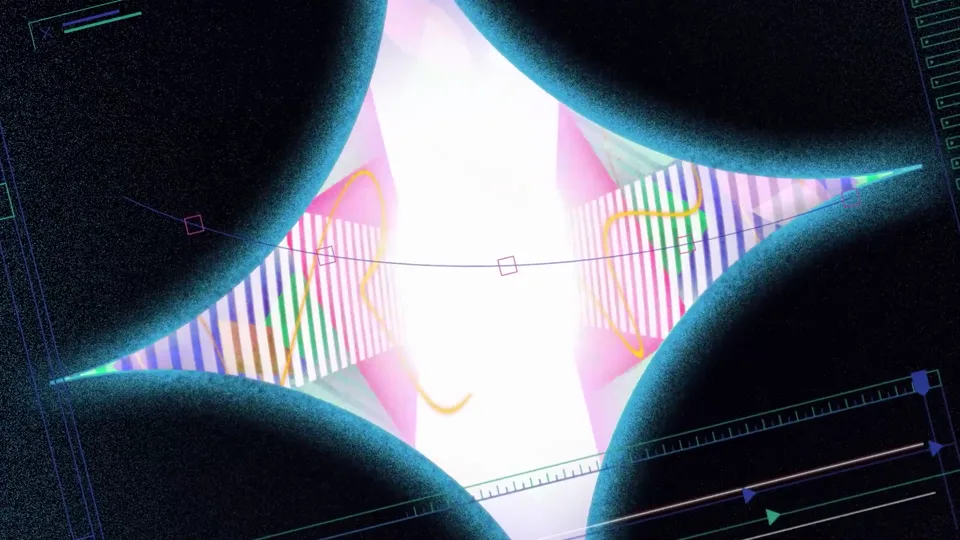 Unable to load. Tap Play to try again.
MODULE 15 / 15 · Completion
Choose your challenge and bring together what you have learned in a final project, making your own decisions on composition, movement and finishing touches.
Start now with the available lessons. Modules marked “Coming soon” are planned for January 2027 and are included with your purchase.
MOTION MASTER IS EVOLVING
Motion Master 2.0 is an evolution of the current course. Existing lessons that remain relevant will stay available while new lessons, updated content and modules are prepared.
Join now to access the available lessons and receive the entire 2.0 update at no extra cost.
Lessons and projects already available. The curriculum marks content planned for January 2027.
New lessons, updated content and modules, released progressively.
The update is expected to be complete in January 2027.
CHOOSE YOUR COURSE
Unable to play the preview.2.0 update included
Move beyond tutorials and create your own animations. From your first keyframe to the final project, build your motion design skills.
7-day money-back guarantee · Access via Hotmart
Start with the content available today. The 2.0 update will be released progressively and is expected to be complete in January 2027.
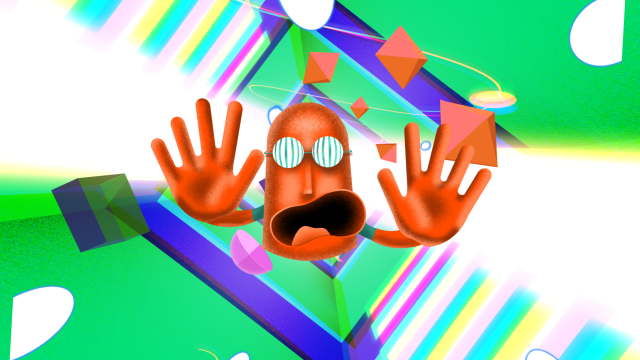 Unable to play the preview.
Learn to create animations in Motion Master and prepare characters for animation in Rig Master. Get access to both courses and receive the Motion Master 2.0 update at no extra cost.
Save US$ 93 compared with buying the courses separately.
Get Combo Master7-day money-back guarantee · Access via Hotmart
Access the available lessons in both courses. New Motion Master 2.0 content will be released as it is published.
Access after payment confirmation.
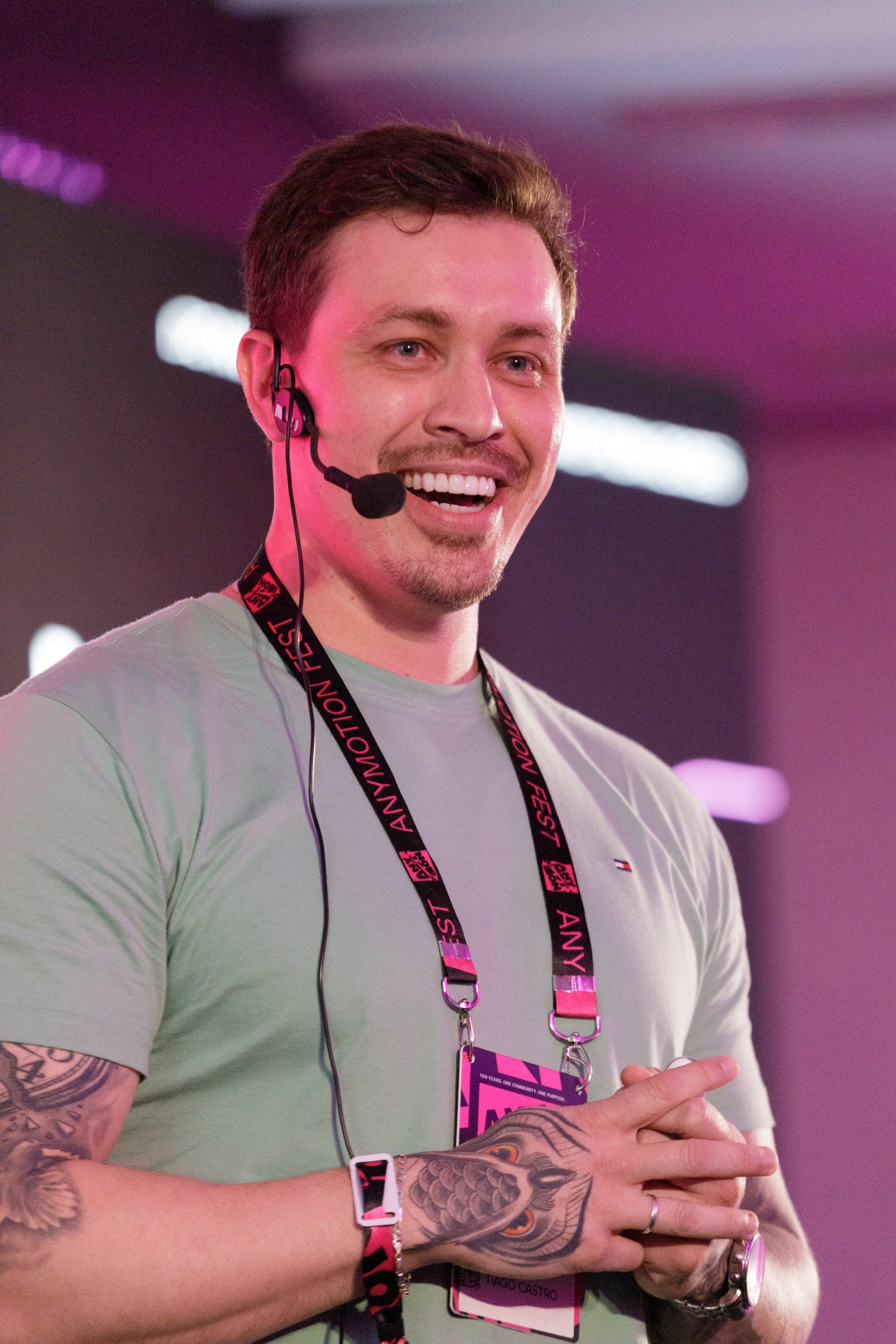
I live with ADHD and know the difference a clear explanation, broken into steps, can make. I explain each step and the reasons behind each choice, with examples on screen.
I have over 14 years of experience in motion design for advertising, TV, games, series and films. For the past three years, I have also created content for Adobe Brasil.
Tiago CastroFounder of Motion Master School

GUEST INSTRUCTOR
In the character animation module.
@iagomotionFAQ
No. It is an evolution of Motion Master. Existing lessons that remain relevant will stay available, and new lessons, updated content and modules will be added to the course.
Yes. You can start with the lessons already available. The curriculum identifies the content planned for January 2027. New 2.0 content will be added as it is published.
No. Purchases made now include the 2.0 update at no extra cost.
The update is expected to be complete in January 2027. Until then, new content will be released progressively.
Yes. When you buy Combo Master, you get access to Motion Master and Rig Master, plus the Motion Master 2.0 update, at no extra cost.
Yes. The course starts with installation and the interface before moving on to techniques and projects.
After Effects and Photoshop, plus specific tools such as Saber and Duik in the relevant modules.
Yes. The lessons are recorded, so you can watch and revisit them during your purchased access period.
Your certificate is unlocked after you complete 90% of the course. In Combo Master, each course has its own certificate, unlocked after you complete 90% of that course.
Technical questions about access, the platform and materials. It does not include exercise reviews or personalized coaching.
The published offer includes a seven-day money-back guarantee. Refund terms and the process are available on Hotmart.