Prime Hair Rig
WindowsmacOS
Organic movement, wind and physics under your control.
US$ 11one-time payment
Get Prime Hair Rig7-day money-back guarantee · Purchase via Hotmart
 Unable to play the preview.
Organic movement, wind and physics under your control.
7-day money-back guarantee · Purchase via Hotmart
PRIME HAIR RIG · AFTER EFFECTS PLUGIN
Place Puppet Pins and create organic movement without animating each point by hand. Adjust wind, flexibility and physics to get the result you want.
SEE THE PLUGIN IN ACTION
Place at least two Puppet Pins on the same part of the artwork. The plugin creates movement from the points you prepare.
Place Puppet Pins, choose the Soft, Natural or Strong preset and apply the rig in one click. Create organic movement without animating each point by hand.
Adjust amplitude, speed, flexibility, wave motion and effect intensity. Set the wind direction and strength to give the movement the rhythm your scene needs.
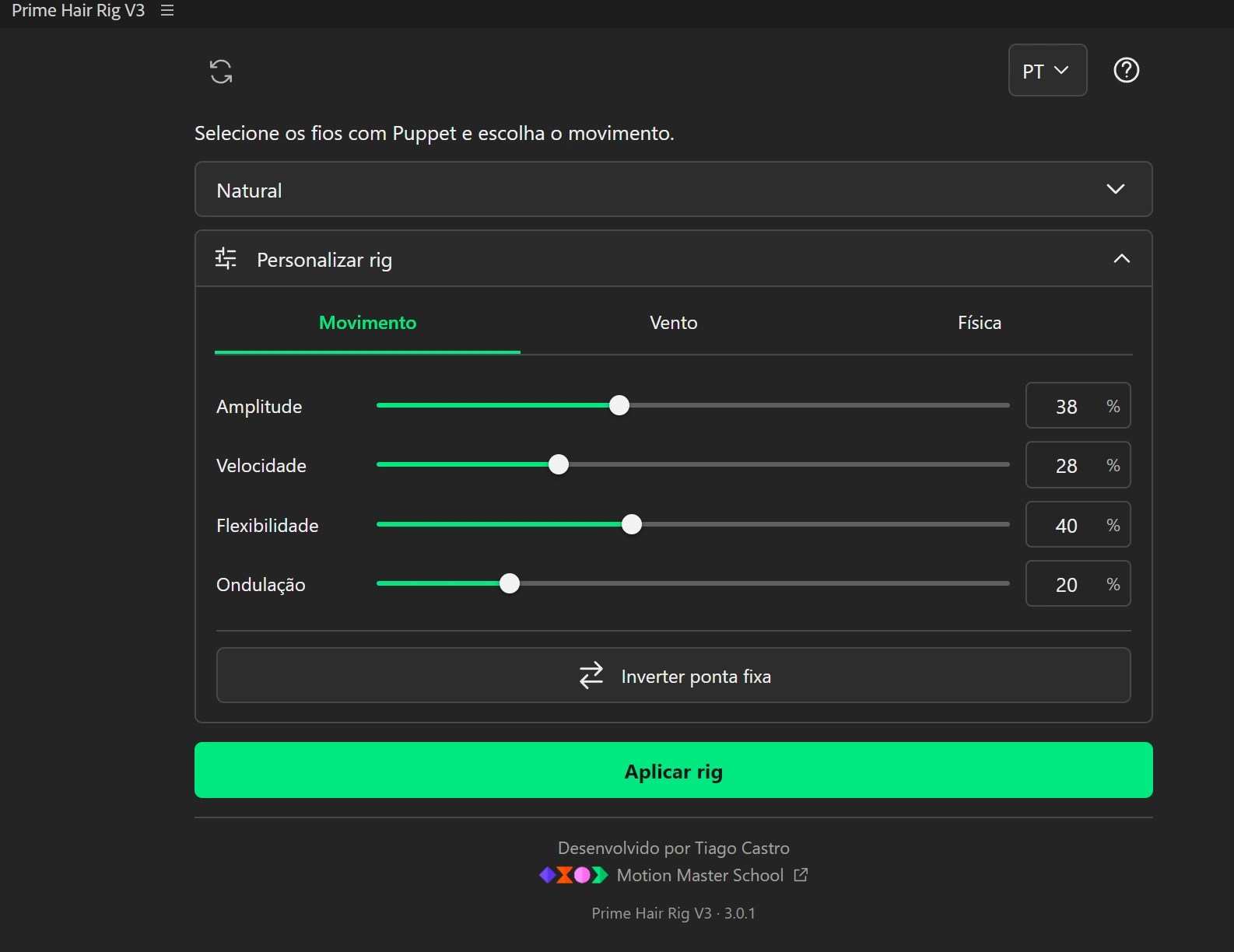
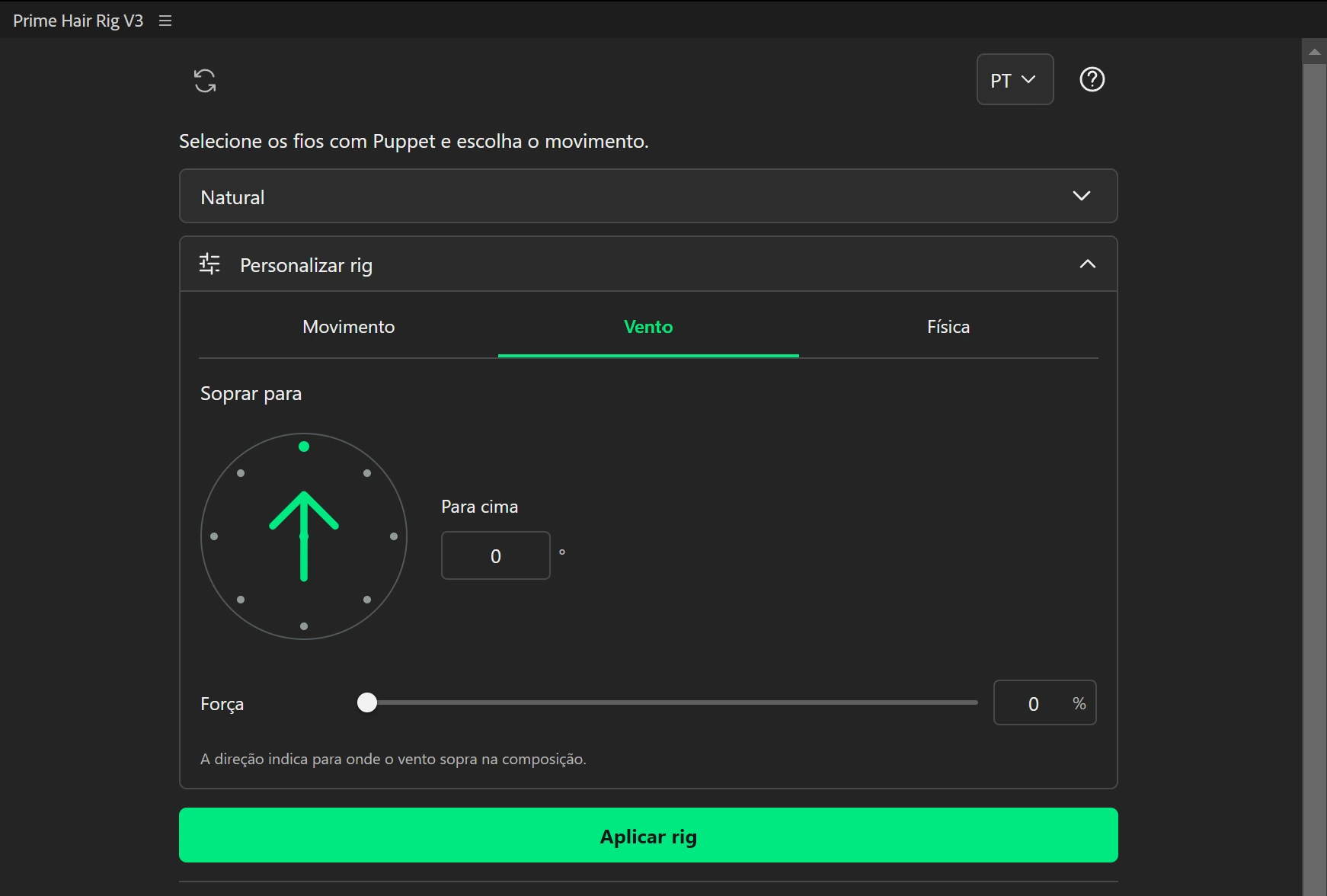
Enable physics in one click so elements respond to the movement in your animation. Adjust the response intensity to get the result you want.
Set the duration in seconds or frames and create a loop for the selected elements. Adjust or remove the cycle whenever you need.
Physics and loop are separate modes and cannot run simultaneously.
Organic movement, wind and physics under your control.
7-day money-back guarantee · Purchase via Hotmart
FAQ
Yes. Place at least two Puppet Pins on the same part of the artwork. The plugin does not create these points automatically.
Yes. Select the layers you want to use. Processing time depends on the number and complexity of the chains.
No. Loop and physics cannot run simultaneously. Choose the mode that suits your scene.
The panel is available in Portuguese, English and Spanish.
On Windows, use the installer or the manual alternative. On macOS, follow the manual installation guide included in your download.